


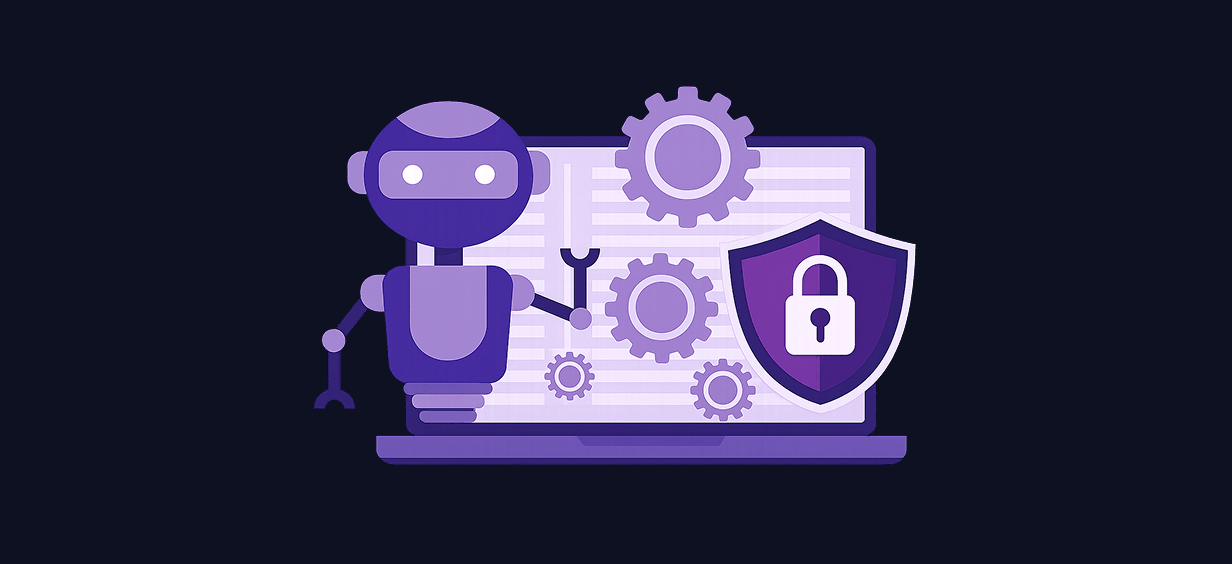
Securing Your AI-Powered Future (How Authorization Ensures Safe and Appropriate Access)

The Journey Complete: We've learned what MCP is, how it enables self-service analytics, and how rate limiting protects systems. Now we tackle the final critical piece: ensuring that AI capabilities are only accessible to authorized users.
Why Authorization Matters with AI
Authorization is the process of determining what actions a user is permitted to perform. In traditional applications, this is often enforced through UI elements, hiding delete buttons from read-only users, for example. But AI breaks this model.
With natural language interfaces, users can ask for anything. The AI must understand not just what the user wants, but whether they are allowed to have it.
Critical Truth: Giving AI access to your systems means giving every user potential access to everything AI can do. Without proper authorization, AI becomes a universal key that bypasses all access controls.
The Three Pillars of Access Control
Before diving into AI-specific solutions, understand the security fundamentals:
| Security Layer | Question It Answers | Example |
|---|---|---|
| Authentication | Who are you? | User logs in with credentials |
| Authorization | What can you do? | User can view sales data but not HR data |
| Rate Limiting | How often can you do it? | User can run 50 reports per hour |
All three must work in harmony. A user might be authenticated and authorized to perform an action, but if they have exceeded their rate limit, the request should still be throttled. Conversely, an unauthorized request should be rejected immediately.
How Authorization Works in MCP
In an MCP implementation, authorization works at the tool level. Each MCP tool can check the user's permissions before executing. This means:
• Tool Visibility: Users only see tools they are authorized to use. If a user does not have permission to delete resources, the DeleteResource tool will not be available to them.
• Data Filtering: Even read-only tools can filter results based on permissions. A department manager might only see resources within their department.
• Action Restrictions: Tools can enforce business rules. For example, a scheduler might only be able to create schedules for their own department.
Example: Permission-Enforced Query
User (Viewer role): "Show me all resource schedules"
AI Response: "I can show you schedules, but I only have access to view public schedules. Here are the schedules you are authorized to see..."
Behind the scenes, The MCP tool automatically filters results based on the user's permissions, showing only what they are allowed to see.
Context-Aware Authorization
Modern authorization systems go beyond simple role checks. They consider context when making authorization decisions:
• Resource Ownership: Users might have full access to their own resources but limited access to others.
• Department Boundaries: Managers can manage their department's resources but not others.
• Time-Based Permissions: Certain actions might only be allowed during business hours.
• Data Sensitivity: Sensitive information might require additional approval or higher clearance.
Implementing Authorization in MCP
1. Authentication First
Before any authorization check, users must be authenticated. This typically involves:
• API keys for programmatic access
• OAuth tokens for user-based access
• Session management for web-based interactions
2. Permission Checks in Tools
Each MCP tool should verify permissions before executing:
Tool: ScheduleResource
- 1Authenticate the user
- 2Check if user has "schedule:create" permission
- 3Verify user can schedule for the requested resource
- 4Check any additional business rules
- 5If all checks pass, execute the action
- 6If any check fails, return appropriate error
3. Rate Limiting Based on Authorization
Rate limits should be applied per authorized user, not just per API key. This ensures:
• Individual users cannot exceed their quotas
• Different permission levels can have different rate limits
• Administrators might have higher limits than regular users
• Unauthorized attempts are blocked before consuming resources
Authorization-First Flow: The proper flow is: Authenticate -> Authorize -> Rate Limit -> Execute This ensures that rate limiting only applies to legitimate, authorized requests. Unauthorized requests should be rejected immediately, without consuming rate limit quotas.
Best Practices for MCP Authorization
• Principle of Least Privilege: Grant users the minimum permissions needed to perform their job.
• Explicit Permission Checks: Every tool should explicitly check permissions.
• Audit All Actions: Log all authorization decisions and actions for compliance and security.
• Fail Securely: When authorization fails, don't reveal why; simply indicate that the action cannot be performed.
• Server-Side Enforcement: Always enforce authorization at the server level, regardless of what tools are visible to the user.
Authorization in Natural Language Context
One of the interesting challenges with MCP is that users make requests in natural language, which can be ambiguous. The AI and MCP server must work together to:
• Clarify Scope: If a user asks "show me all schedules," the system should clarify whether they mean all schedules they can see or all schedules in the system.
• Respect Boundaries: The AI should understand permission limitations and guide users accordingly.
• Suggest Alternatives: If a user requests something they cannot do, suggest what they can do.
The Complete Security Picture
Authorization, rate limiting, and authentication work together to create a secure MCP implementation. Think of security as layers: authentication is the outer gate, authorization is the inner gate, and rate limiting is the traffic controller. Each layer serves a specific purpose, and together they create a robust, secure system.
The Future is Conversational and Secure
MCP represents a fundamental shift in how humans interact with software. Instead of learning to use applications, applications learn to understand us. This is not just a convenience, it is a transformation that makes powerful business systems accessible to everyone.
The benefits are clear: increased productivity, reduced training costs, self-service capabilities, and a more intuitive user experience. But perhaps most importantly, MCP enables your applications to evolve with AI technology without requiring constant rewrites all while maintaining the security, performance, and control that enterprise systems require.
Start exploring MCP for your applications today, and unlock the full potential of AI-assisted business operations.
AWS Migration Checklist: A Practical Roadmap for Modern Businesses
Migrating businesses to AWS offers many benefits, including cost optimization, improved security, and greater scalability. However, a successful migration requires careful planning and execution. Otherwise, organizations may experience...
Read More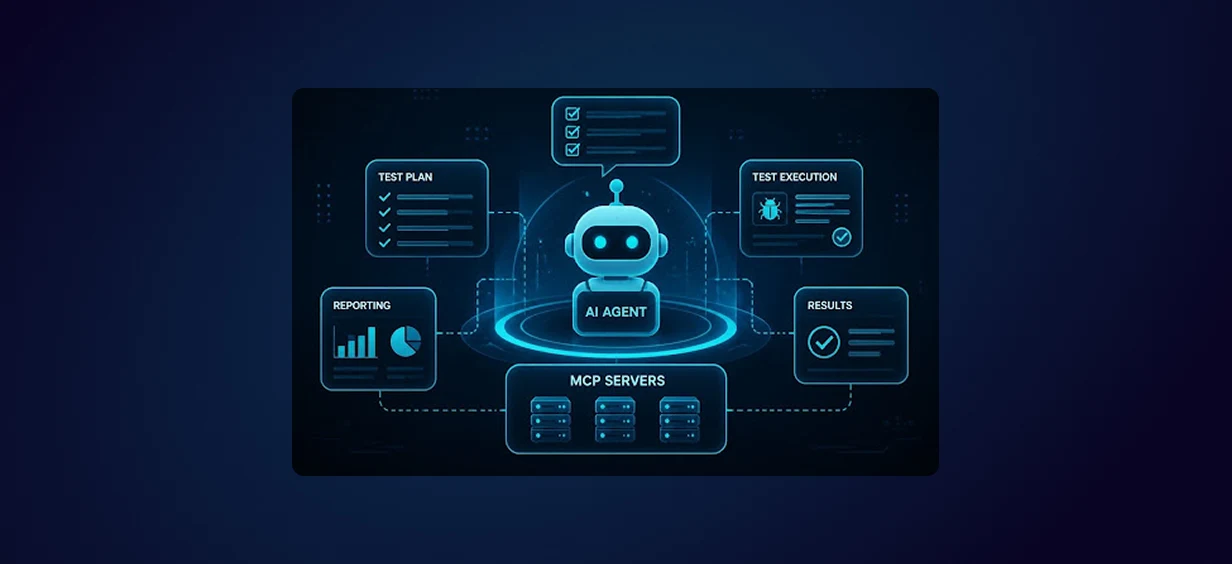
Agentic AI for QA & Software Testing with MCP Servers
For years, QA engineers have relied heavily on manual testing, repetitive validation, documentation, and traditional automation scripts But now, a new era of testing...
Read More
Our Proven Web Development Process That Delivers Real Results
In software development, success does not come from coding alone. Real results come from understanding business needs, planning the right workflow, building user-friendly designs...
Read More
Secure AWS Connectivity Using AWS Systems Manager (SSM)
In traditional cloud architectures, secure access to private resources such as databases and internal servers often relies on...
Read More
Building a Secure Multi-Account AWS Architecture for Enterprise Environments (Dev, STG, UAT, Prod)
In today’s cloud-first world, scalability and speed are no longer enough security, governance, and cost control are equally critical...
Read More
Why You Should Use AI Agents Over Single Prompts: Unlocking the Power of Adaptive AI for Complex Workflows
In the world of artificial intelligence (AI), one of the biggest advancements has been the rise of AI agents that adapt dynamically to real-time data and complex workflows...
Read More
Production Ready ( Quality, performance, and the lessons learned shipping to 150 stores )
We chose dbt over custom scripts, built observability, optimized performance, and shipped to production...
Read More
Scaling from 15 to 150 Stores ( When copy-paste becomes technical debt, macros become salvation )
We built a pipeline with observability, incremental models for performance, and snapshots for history. Our 15-store deployment ran smoothly...
Read More
Keeping Your Data Fresh: ( The wake-up call at 3am that taught us about observability )
That morning taught us a crucial lesson: a successful dbt run doesn't mean your data is fresh, accurate, or complete. You need observability.
Read More