


AI-Assisted MVP Development (Vibe Coding)

Introduction
Building a startup MVP used to be slow, expensive, and stressful especially if you weren’t technical.
Today, AI-assisted MVP development, often called vibe coding, changes that completely.
This article is for founders, beginners, and developers who want to build an MVP with AI, without hype, buzzwords, or magic promises. Just practical experience and honest advice.

What Is Vibe Coding?
AI-assisted MVP development means using AI tools as a thinking and building partner while creating your product.
Vibe coding is not:
- AI builds everything for you
- Copy-pasting random code
- Shipping without understanding
Vibe coding is:
- Talking to AI in plain language
- Letting AI help you plan, scaffold, and iterate
- Staying in control while moving fast
Think of AI as a very fast junior developer who never gets tired but needs good instructions.
Why Vibe Coding Matters Right Now
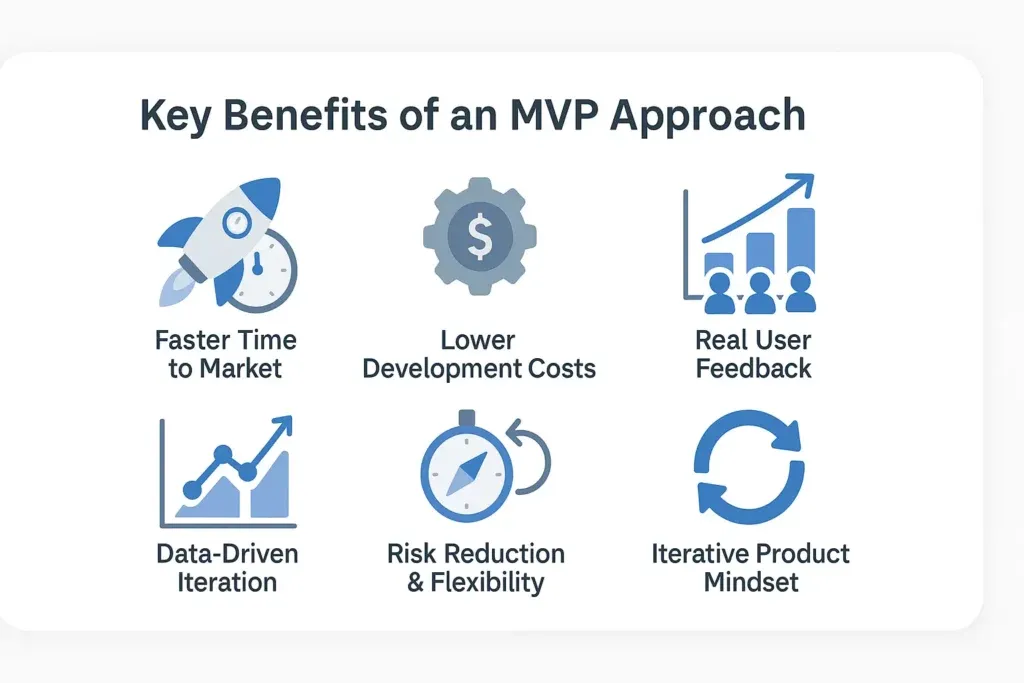
1. Speed beats perfection
Startups don’t fail because code isn’t elegant.
They fail because nobody wants the product.
With AI-powered MVP development, you can:
- Build faster
- Test ideas earlier
- Kill bad ideas cheaply
2. Context-aware AI changed the game
Modern AI can work with more context than before. In the best setups, it can understand:
- Your codebase structure
- Your patterns and conventions
- Your intent for a feature
That’s why AI coding for startups feels practical now, not just "cool."
3. Non-technical founders can build too
You still need to think clearly. You still need to test. But you don’t need to be a senior engineer to:
- Prototype
- Validate ideas
- Communicate what you want
This is why AI for non-technical founders is a real unlock.
The Vibe Coding Workflow (Step-by-Step)
Here’s the thing: vibe coding only works when you have a workflow. If you just keep asking for a full app you’ll end up with a Frankenstein project.
This is the workflow I use when I want speed without losing control.
1. Define the problem (not the solution)
Before touching code, explain the problem clearly.
Bad:
"I want an app like Uber for X"
Good:
"Users struggle to track X because Y, and current tools are too complex."
AI works best when the problem is clear.
From experience, this one step saves days. It stops you from building features nobody asked for.
2. Architecture & planning with AI
Ask AI to help you think, not just code.
Example:
- Act as a senior startup engineer.
- Help me design a simple MVP architecture for a web app that solves [problem].
- Prioritize speed, low cost, and easy iteration.
Constraints:
- One developer
- Ship in 7 days
- Minimal dependencies
Output:
- Pages/screens list
- API endpoints list
- Data model (tables/collections)
- Basic auth approach
- Risks + how to reduce them
Ask 3 clarifying questions before you decide anything.
You’re not looking for the best architecture. You’re looking for a clean starting point you can ship.
3. Write a one-page MVP spec
Don’t overthink it. Keep it short. Use checkboxes.
Example MVP spec:
- User can sign up and log in
- User can create a project
- User can add tasks inside a project
- Dashboard shows today’s tasks
- App is deployed and shareable
Then add acceptance checks (these matter more than people think):
- Refresh keeps the user logged in
- Empty states are clear (no blank screens)
- Errors show a message a human understands
When the spec is clear, your prompts get 10x better.
4. Pick a stack you can debug at 2 AM
This is my simple rule: pick tools you already know.
AI can help you code faster, but it doesn’t magically give you production judgment.
If I’m building a web MVP quickly, a common "safe" option is:
- Next.js or React (UI)
- A simple API layer (Next routes or a Node backend)
- Postgres (or another boring database)
But the exact stack is less important than this: you must be able to read logs, fix issues, and ship.
5. Scaffold, then build one thin slice end-to-end
This is where vibe coding shines.
Don’t build the whole UI first. Don’t build the whole backend first.
Build one thin slice that touches everything:
- A form in the UI
- An API endpoint
- A database write
- A list page that reads it back
Once this slice works, the rest becomes a pattern. AI is great at repeating patterns.
6. Iterate in small loops (10–30 minutes)
I treat vibe coding like short sprints:
- Describe one change
- Generate code
- Review it (this is most important part)
- Run it
- Commit it
If your prompts keep getting longer, your project will get messier. Keep tasks small.
7. Ship early, measure, and fix what matters
An MVP that isn’t used is just a demo.
Ship something usable early. Then watch how people use it.
Even simple tracking is enough:
- Signups
- First action completed
- Drop-off point
- Errors users hit
Then fix the top 3 problems. Repeat.
A Small Real-World Scenario (What It Looks Like in Practice)
Let’s say you’re building a simple internal tool for a small business:
- Login
- Clients list
- Invoices per client
- Mark invoice as paid
- Dashboard that shows unpaid invoices
Here’s how vibe coding helps without turning your codebase into chaos.
Step A: explain the workflow in plain English
- Admin logs in
- Admin creates a client
- Admin creates invoices under that client
- Admin marks invoices as paid
- Dashboard shows unpaid invoices + totals
If you can’t explain the workflow clearly, pause. AI won’t fix a vague product.
Step B: let AI draft the data model (then you decide)
Example prompt:
Design a minimal data model for clients and invoices.
Include fields, types, and relationships.
Assume we need createdAt and updatedAt.
Keep it simple and practical.
Then you sanity-check:
- Do we need currency?
- Do we need due dates?
- Do we need notes?
- Who can access what?
Step C: build the first thin slice: "create client"
You build:
- A "New Client" form
- POST /api/clients
- A clients list page
Then you repeat the same structure for invoices.
This is the sweet spot: AI is helping you type what you already chose.
What Usually Goes Wrong (And How to Avoid It)
1. You trust the output too fast
AI can generate code that looks right but is wrong in subtle ways.
My rule is simple: if I can’t explain the code, it doesn’t ship.
2. You ask for too much at once
Long prompts lead to big code dumps.
Big code dumps hide bugs.
Keep it small. Build one slice. Then repeat.
3. You let the stack explode
AI loves suggesting new libraries. Your MVP doesn’t need ten libraries.
Every extra dependency is something you’ll debug later.
4. You skip the boring states
MVPs feel broken because of:
- Missing loading states
- Missing empty states
- Bad error messages
Fix these and your MVP instantly feels more solid.
5. You build features instead of learning
Vibe coding makes building feel easy, so you keep adding features.
Always ask:
- What decision will this feature help us make?
- What will we learn if users ignore it?
My Guardrails (So I Don’t Lose Control)
These are simple, but they save me every time:
- 1Use version control from day one: Commit often. Rollbacks should be easy.
- 2Write acceptance checks before coding: A short checklist keeps you focused.
- 3Review like a senior: Look for auth mistakes, missing validation, unclear errors.
- 4Standardize patterns early: One way to do API errors. One way to do forms.
- 5Don’t skip tests forever: You can skip tests for the first hour, not the first month.
Tools That Fit This Style of Building
You don’t need a complicated setup. You need a setup you trust.
- 1An AI-powered editor: Cursor or Windsurf are common choices.
- 2A chat model for planning and debugging: Great for specs, refactors, and explaining errors.
- 3Fast deployment: Anything that gets you a link quickly (Vercel, Render, etc.).
- 4A simple task tracker: GitHub Issues, Notion, or a plain checklist.
Use what fits your brain. The best tool is the one that keeps you shipping.
Wrapping Up My Final Thoughts
Vibe coding isn’t magic. It’s a faster way to draft, iterate, and ship an MVP.
AI gives you speed. You still need judgment.
From experience, the win is not AI building my product.
The W is: I learned if this idea works in a week instead of a month.
AWS Migration Checklist: A Practical Roadmap for Modern Businesses
Migrating businesses to AWS offers many benefits, including cost optimization, improved security, and greater scalability. However, a successful migration requires careful planning and execution. Otherwise, organizations may experience...
Read More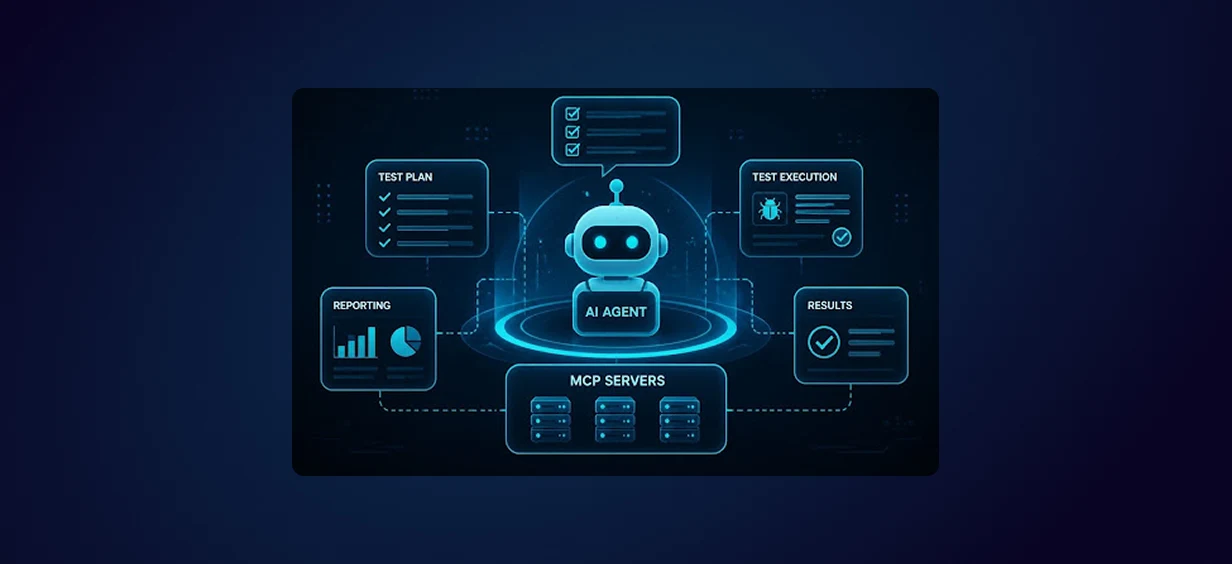
Agentic AI for QA & Software Testing with MCP Servers
For years, QA engineers have relied heavily on manual testing, repetitive validation, documentation, and traditional automation scripts But now, a new era of testing...
Read More
Our Proven Web Development Process That Delivers Real Results
In software development, success does not come from coding alone. Real results come from understanding business needs, planning the right workflow, building user-friendly designs...
Read More
Secure AWS Connectivity Using AWS Systems Manager (SSM)
In traditional cloud architectures, secure access to private resources such as databases and internal servers often relies on...
Read More
Building a Secure Multi-Account AWS Architecture for Enterprise Environments (Dev, STG, UAT, Prod)
In today’s cloud-first world, scalability and speed are no longer enough security, governance, and cost control are equally critical...
Read More
Why You Should Use AI Agents Over Single Prompts: Unlocking the Power of Adaptive AI for Complex Workflows
In the world of artificial intelligence (AI), one of the biggest advancements has been the rise of AI agents that adapt dynamically to real-time data and complex workflows...
Read More
Production Ready ( Quality, performance, and the lessons learned shipping to 150 stores )
We chose dbt over custom scripts, built observability, optimized performance, and shipped to production...
Read More
Scaling from 15 to 150 Stores ( When copy-paste becomes technical debt, macros become salvation )
We built a pipeline with observability, incremental models for performance, and snapshots for history. Our 15-store deployment ran smoothly...
Read More
Keeping Your Data Fresh: ( The wake-up call at 3am that taught us about observability )
That morning taught us a crucial lesson: a successful dbt run doesn't mean your data is fresh, accurate, or complete. You need observability.
Read More