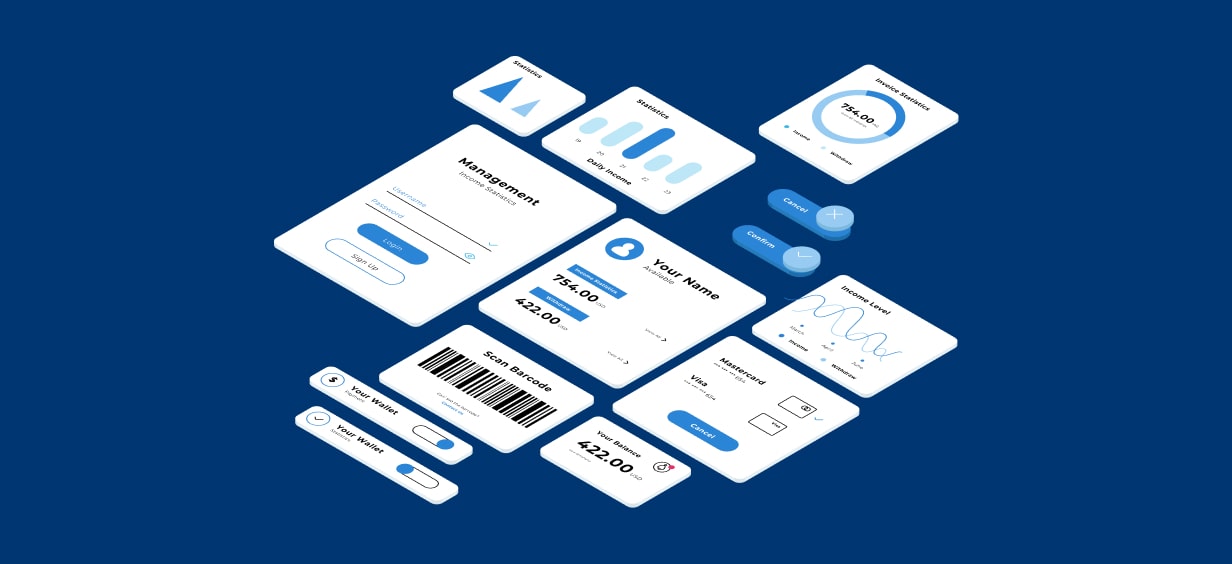
The Secret Ingredient for Lightning Fast UIs: Component Libraries

Got a project?
Let's discuss your project
Introduction
In today’s fast paced web development landscape, trends evolve rapidly and delivery timelines continue to shrink. Speed is no longer a luxury or competitive advantage it has become a baseline expectation. Users demand interfaces that are fast, intuitive, responsive, and visually polished across all devices. Businesses expect teams to ship these interfaces quickly without compromising quality. Developers, meanwhile, must balance speed with maintainability, scalability, and accessibility.
This is where component libraries emerge as a crucial part of modern UI/UX design engineering. They help teams move faster, maintain consistency, and reduce the cognitive and technical overhead involved in building user interfaces from scratch.
What Are Component Libraries?
Component libraries are curated collections of reusable UI components designed to solve common interface problems. These components include buttons, form controls, navigation elements, modals, foldouts, tables, and layout primitives.
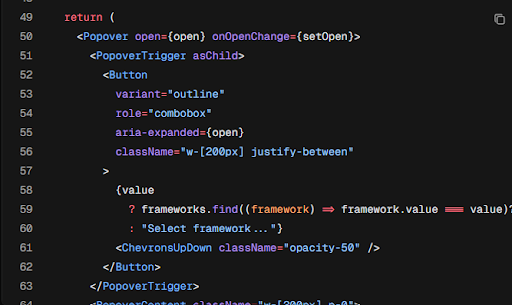
Most modern component libraries offer built-in responsiveness, cross-browser compatibility, and accessibility support. Libraries such as Bootstrap, Material UI (MUI), Chakra UI, Ant Design, NextUI (HeroUI), and shadcn/ui have become industry standards for accelerating UI development.
Why Component Libraries Matter
Without a component library, UI development often becomes repetitive and error prone. Developers must design, style, test, and debug the same UI elements repeatedly across projects. This results in inconsistent interfaces, longer development cycles, and increased maintenance costs.
Component libraries address these issues by providing a shared design language and a consistent set of building blocks. Teams can focus more on solving business problems and less on reinventing UI patterns that already have well established solutions.
Customization Without Chaos
A common concern among developers is that component libraries limit flexibility. In reality, well designed libraries are highly customizable. Most provide theming systems, design tokens, CSS variables, or configuration files that allow teams to adapt components to specific branding and design requirements.
A scalable approach to customization involves centralizing style overrides. Colors, typography, spacing, and breakpoints should be defined in a global configuration rather than scattered overrides. This keeps the codebase clean, predictable, and easy to maintain as the project grows.
The Role of Utility-First CSS
Utility-first frameworks like Tailwind CSS are often used alongside component libraries. While Tailwind itself is not a component library, it provides low-level styling utilities that make it easy to build custom components or extend existing ones. This hybrid approach combines the speed of prebuilt components with the flexibility of custom UI development.
Performance Considerations
While component libraries significantly improve development speed, performance should always remain a key consideration. Poorly configured libraries can increase bundle size, introduce unused styles, or negatively impact runtime performance.
Let's Build Something Great Together
Ready to transform your idea into a powerful software solution? Talk to our experts and get a free consultation.
Contact Us
Modern libraries address this through techniques such as tree-shaking, on-demand imports, and modular CSS or token-based styling systems. Developers should be mindful of importing only the components they need, avoiding global style overrides that affect the entire application, and regularly auditing bundles for unused dependencies.
When chosen and configured correctly, component libraries can actually improve performance by enforcing consistency, reducing redundant code, and promoting reusable patterns across the application.
AI-Assisted UI Development
In recent years, AI tools have become powerful assistants in UI development workflows. Tools such as ChatGPT, Claude, and Gemini can generate component code, explain library APIs, suggest accessibility improvements, and help developers prototype interfaces rapidly.

When used thoughtfully, AI does not replace engineering judgment. Instead, it amplifies productivity by reducing boilerplate work and accelerating learning. Developers can iterate faster while maintaining control over code quality and architectural decisions.
Best Practices for Using Component Libraries
To get the most value from component libraries, teams should treat them as foundational infrastructure rather than shortcuts. Choosing the right library, understanding its customization model, and enforcing consistent usage across the codebase are critical for long-term success.

Regular audits, design-system documentation, and shared component ownership help ensure that the UI remains coherent as the application evolves.
Conclusion
Component libraries have become an essential part of modern web development. They enable faster delivery, more consistent interfaces, and improved collaboration between designers and developers. When combined with thoughtful customization strategies and AI-assisted workflows, they form a powerful foundation for building scalable, high-quality user interfaces. As the web continues to evolve, the future of UI development is clear: modular, reusable, customizable, and fast. Investing in the right component libraries and workflows today pays dividends in speed, quality, and developer experience tomorrow.

From ETL to ELT: The Evolution of Data Pipelines in Modern Analytics
How and why data pipeline architecture evolved from ETL to ELT.
Read More
Bridge View Hybrid: A Smarter Path to Bringing Web Apps to Mobile
Learn how the Bridge View Hybrid architecture uses a React Native shell and WebView to launch iOS and Android apps faster, cheaper, and with less risk.
Read More
10 AI Prompts Every Manual Tester Should Have in Their QA Toolkit
Discover 10 practical AI prompts manual testers can use to improve test coverage, find edge cases, analyze bugs, strengthen regression testing, and become more effective QA engineers.
Read More
The Website Accessibility Revolution: Why You Can't Afford to Ignore WCAG 2.2
Website accessibility starts with WCAG 2.2. Learn how accessible design, development, QA, and testing can help create websites that work for everyone.
Read More
Race Conditions in Web Applications: Why Correct Code Produces Wrong Results
Race conditions silently corrupt data when concurrent requests touch shared state at the wrong time. Learn how atomic updates, transactions, idempotency, and locking keep your application correct under real concurrency.
Read More
AI Writes the Code • Stop Blindly Shipping It Without Reviewing the Engineering
A practical perspective on AI-generated code, scalability, maintainability, and engineering judgment and why engineering review still owns the final decision.
Read More
Migrating Databases with AWS DMS With Nearly Zero Downtime
Learn how to migrate databases using AWS DMS with nearly zero downtime using Full Load, CDC, validation, monitoring, and controlled cutover.
Read More
How to Add LiveKit Video Calling to a Next.js App
Add embedded video & audio calling to Next.js with LiveKit Cloud. Compared vs Twilio, Daily, Agora, Zoom — plus token auth, guests & recording.
Read More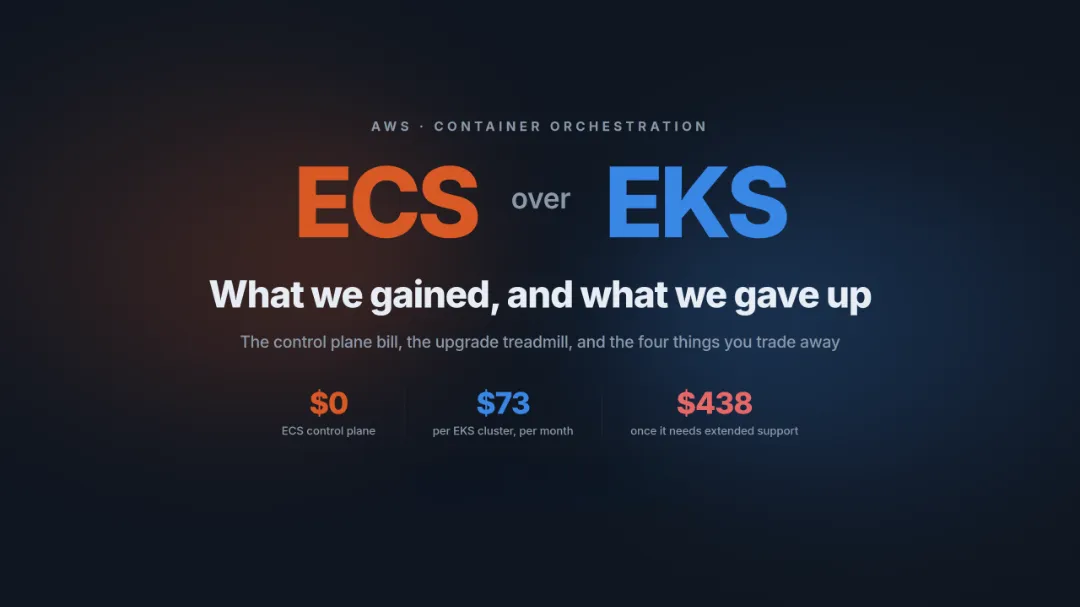
We chose ECS over EKS: what we gained and what we gave up
An honest comparison of ECS vs EKS the costs, tradeoffs, and real-world reasoning behind choosing ECS for a production platform on AWS.
Read More