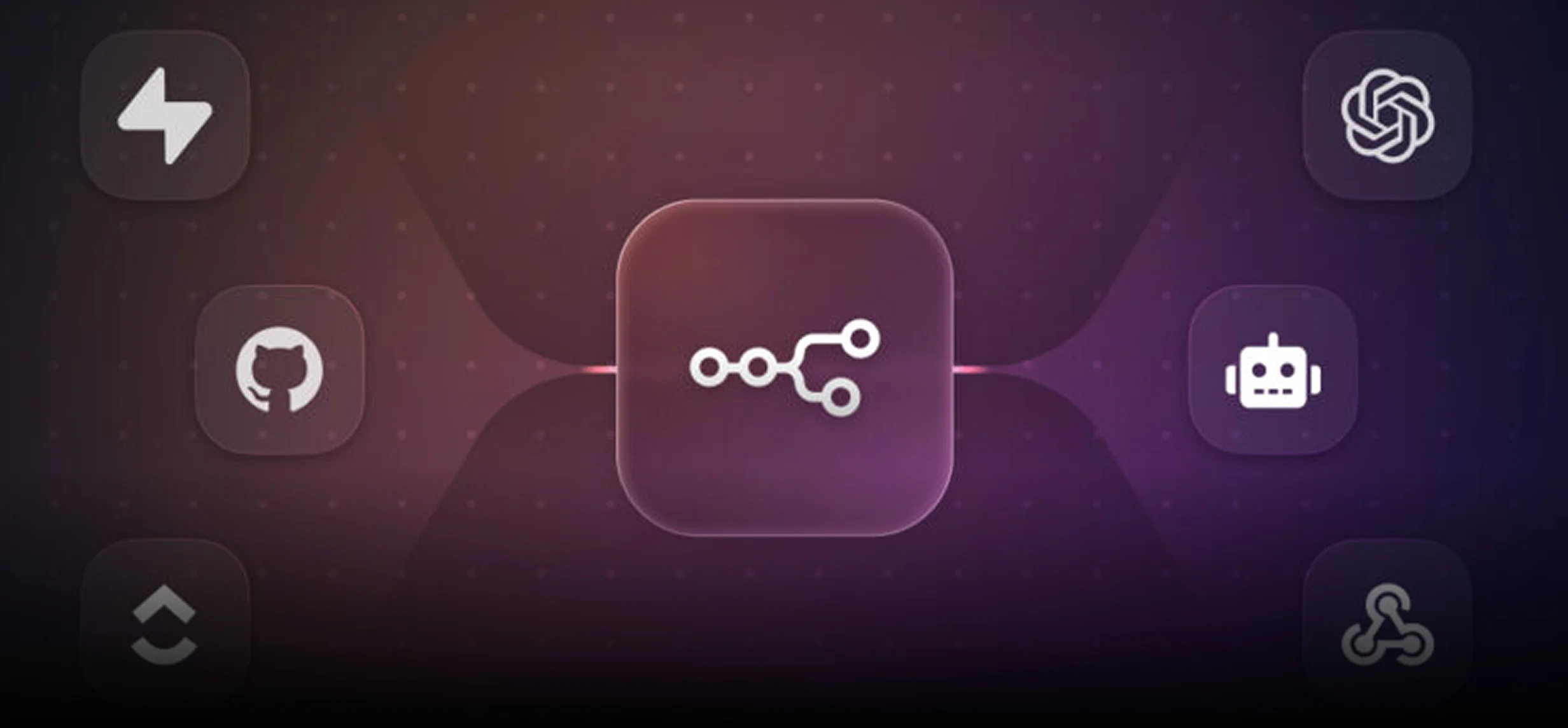
What is n8n? How QA Teams Can Use It to Automate Quality Workflows

Got a project?
Let's discuss your project
Introduction
QA teams today work with many tools: test automation frameworks, CI/CD pipelines, Jira, Slack, emails, and dashboards.
Even though testing is automated, many QA processes are still manual. QA engineers often:
- Manually check test results
- Create Jira bugs by hand
- Send status updates to teams
- Prepare daily or weekly QA reports
- Help decide if a build is ready for release
These tasks take time and increase the chance of mistakes.
This is where n8n helps.
In this blog, we will explain what n8n is, how QA teams can use it, and a simple roadmap for starting QA automation workflows using n8n.
What is n8n?
n8n is a workflow automation tool.
In simple words, n8n allows you to connect different tools and automate actions between them.
It works like a smart middle layer that listens for events, makes decisions, and performs actions automatically.
For example:
- When tests finish → do something
- When a build fails → notify someone
- When a release is ready → inform stakeholders
n8n uses visual workflows, so even non-developers can understand what is happening.
By integrating workflow automation with modern QA practices, teams can streamline repetitive testing activities and improve overall software product quality. Our QA Testing Services help organizations build reliable testing processes with automation, validation, and continuous improvement.
What n8n is NOT (Important for QA Teams)
n8n is not a testing tool.
It does not replace:
- Selenium
- Cypress
- Playwright
- API automation frameworks
QA teams continue using their existing testing tools.
n8n’s role starts after tests run.
It focuses on what happens with test results, not how tests are written.
Why QA Teams Need Workflow Automation
Most QA delays and problems happen after test execution.
Common QA challenges:
- Test failures are noticed late
- Bug tickets miss logs or steps
- QA reports take too much time
- Communication gaps between QA, Dev, and Product
- Manual release approvals under pressure
These issues slow down delivery and reduce quality.
n8n helps QA teams automate these repetitive processes, so quality work becomes faster and more reliable.
How QA Teams Can Use n8n
1. Automating Bug Creation from Failed Tests
Normally, when a test fails, a QA engineer manually creates a Jira ticket. This takes time and often misses important details.
With n8n, this process becomes automatic.
When a CI pipeline finishes, n8n reads the test result.
If tests fail, n8n creates a Jira bug, adds failure details, attaches logs or report links, assigns the ticket, and sends a Slack message to the team.
This ensures:
- Faster bug reporting
- Better quality defect tickets
- Less manual QA effort
2. Automated Test Status Notifications
QA teams send many messages like:
- “Regression passed”
- “Build unstable”
- “Critical tests failed”
n8n can send these updates automatically.
After test execution, n8n prepares a short summary and sends it to Slack or email. Everyone gets the same information without QA engineers sending messages manually.
3. Release Readiness Automation
Before release, QA teams usually check:
- Test pass/fail status
- Number of open critical bugs
- Stability of recent builds
With n8n, this can be automated.
n8n collects data from test results and bug trackers, applies simple rules, and decides whether the build is ready or blocked.
It then notifies stakeholders with a clear message.
This helps QA teams make confident, data-based release decisions.
4. Integration with the Complete QA Tool Ecosystem
Modern QA teams rarely use just one or two tools. n8n works well because it integrates smoothly with a wide range of QA and engineering tools.
In addition to Jira, Slack, and CI/CD pipelines, QA teams can integrate n8n with:
- Test management tools such as TestRail or Zephyr
- API testing tools like Postman (via collections or reports)
- Source control systems like GitHub or GitHub Issues
- Documentation tools such as Confluence
- Custom internal QA systems using APIs
This flexibility allows QA teams to design workflows that match their existing processes instead of changing tools. n8n becomes a central automation layer that connects the entire QA ecosystem.
QA Metrics & Reporting Automation with n8n
One important area where n8n adds strong value for QA teams is metrics and reporting automation.
QA teams rely on data to understand quality trends, but collecting metrics manually is time-consuming and inconsistent. n8n can automatically aggregate QA data from multiple sources and turn it into meaningful insights.
Using n8n, QA teams can automatically track and report metrics such as:
Let's Build Something Great Together
Ready to transform your idea into a powerful software solution? Talk to our experts and get a free consultation.
Contact Us
- Test pass and fail rates across builds
- Flaky test trends over time
- Time taken to create a bug after a test failure
- Number of critical bugs per release
- Overall release readiness score
These metrics can be sent to dashboards, shared via Slack or email, or stored in tools like spreadsheets or documentation systems. This enables QA teams to move toward a data-driven quality approach instead of relying on manual reports or assumptions.
Example QA Workflow Using n8n
Let’s understand a basic QA workflow.
Scenario: Regression Test Execution
Think of this as a simple flow:
CI Pipeline → n8n → Decision → Action
Step 1: Trigger
The workflow starts when:
- A CI pipeline finishes, or
- A scheduled regression run completes
n8n receives this signal and starts the workflow.
Step 2: Read Test Results
n8n fetches:
- Test status
- Failed test names
- Logs or report links
n8n only reads data it does not run tests.
Step 3: Decision
n8n checks simple conditions:
- Did any critical test fail?
- Did the regression fail?
Step 4: Action
If tests fail:
- Create a Jira bug
- Attach logs
- Send Slack alert
If tests pass:
- Send “Build Stable” message
- Update dashboard or report
Everything happens automatically.
Continuous testing is an important part of modern software delivery. Our Test Automation Services help teams integrate automated validation into development pipelines for faster and more reliable releases.
Error Handling & Recovery in QA Workflows
Automation is only useful if it is reliable. QA workflows must also handle failures gracefully.
n8n allows QA teams to design workflows that handle errors such as:
- Test result files not being readable
- Jira API failures while creating tickets
- Slack or email notification failures
- Temporary network or service outages
For example, if Jira is unavailable, n8n can automatically retry the request, log the error, or notify the QA team that manual action is needed. This ensures that automation does not silently fail and QA teams remain informed.
By adding error handling and recovery logic, QA workflows become more robust, reliable, and production-ready.
How QA Teams Can Get Started with n8n
QA teams do not need to be experts to start using n8n.
n8n is flexible and offers multiple ways to begin, depending on the team’s needs.
Step 1: Where to Go for n8n
To start with n8n, QA teams should visit the official n8n website.
From there, teams can choose how they want to use n8n:
- Cloud-based (quick start)
- Self-hosted (more control)
Step 2: n8n Cloud vs Self-Hosted (QA Perspective)
For QA teams, the choice is simple:
n8n Cloud
- No installation needed
- Best for learning and small workflows
- QA teams can quickly create workflows
- Good for proof of concept
Self-Hosted n8n
- Installed on company servers
- Better for enterprise use
- Full control over data and security
- Requires DevOps or IT support
Most QA teams should start with n8n Cloud, then move to self-hosted later if needed.
Step 3: Do QA Engineers Need to Download Anything?
Not always.
- If using n8n Cloud → no download required
- If using self-hosted n8n → installation is needed
Self-hosted n8n is usually installed using:
- Docker
- Node.js
- Cloud servers (AWS, Azure, etc.)
QA engineers usually do not install it alone.
This is normally done with help from DevOps or IT teams.
Step 4: First Thing QA Teams Should Automate
QA teams should not start with complex workflows.
Best first QA use cases:
- Test failure → Slack notification
- Test failure → Jira bug creation
- Daily QA status message
These workflows are:
- Easy to understand
- High value
- Low risk
Once QA teams gain confidence, they can automate more advanced quality workflows.
Step 5: Skills QA Teams Need for n8n
Good news for QA teams:
- No heavy coding required
- Visual workflows are easy to understand
Helpful skills:
- Basic understanding of APIs
- Knowing how your CI and test tools work
- Simple logic (if / else conditions)
This makes n8n very suitable for SQA Leads and Senior QA Engineers.
Conclusion
n8n is not a testing tool, and it is not meant to replace QA engineers or test automation frameworks.
Instead, n8n helps QA teams automate the work around testing the tasks that usually consume time, create delays, and depend heavily on manual effort.
For QA teams, the real value of n8n is in workflow automation:
- Turning test results into actions
- Reducing manual bug creation and reporting
- Improving communication between QA, Dev, and Product
- Supporting confident, data-driven release decisions
QA teams do not need to start big.
The best approach is to start small, automate one or two repetitive QA tasks, and then gradually build more advanced quality workflows.
By using n8n, QA engineers can shift their focus from repetitive operational work to what really matters
quality strategy, risk analysis, and continuous improvement.

From ETL to ELT: The Evolution of Data Pipelines in Modern Analytics
How and why data pipeline architecture evolved from ETL to ELT.
Read More
Bridge View Hybrid: A Smarter Path to Bringing Web Apps to Mobile
Learn how the Bridge View Hybrid architecture uses a React Native shell and WebView to launch iOS and Android apps faster, cheaper, and with less risk.
Read More
10 AI Prompts Every Manual Tester Should Have in Their QA Toolkit
Discover 10 practical AI prompts manual testers can use to improve test coverage, find edge cases, analyze bugs, strengthen regression testing, and become more effective QA engineers.
Read More
The Website Accessibility Revolution: Why You Can't Afford to Ignore WCAG 2.2
Website accessibility starts with WCAG 2.2. Learn how accessible design, development, QA, and testing can help create websites that work for everyone.
Read More
Race Conditions in Web Applications: Why Correct Code Produces Wrong Results
Race conditions silently corrupt data when concurrent requests touch shared state at the wrong time. Learn how atomic updates, transactions, idempotency, and locking keep your application correct under real concurrency.
Read More
AI Writes the Code • Stop Blindly Shipping It Without Reviewing the Engineering
A practical perspective on AI-generated code, scalability, maintainability, and engineering judgment and why engineering review still owns the final decision.
Read More
Migrating Databases with AWS DMS With Nearly Zero Downtime
Learn how to migrate databases using AWS DMS with nearly zero downtime using Full Load, CDC, validation, monitoring, and controlled cutover.
Read More
How to Add LiveKit Video Calling to a Next.js App
Add embedded video & audio calling to Next.js with LiveKit Cloud. Compared vs Twilio, Daily, Agora, Zoom — plus token auth, guests & recording.
Read More
We chose ECS over EKS: what we gained and what we gave up
An honest comparison of ECS vs EKS the costs, tradeoffs, and real-world reasoning behind choosing ECS for a production platform on AWS.
Read More