How AI Is Transforming QA

Got a project?
Let's discuss your project
Introduction
Let’s face it software is everywhere. From mobile banking apps and online shopping platforms to healthcare systems and smart home devices, users demand seamless and bug-free experiences. Behind every smooth app is a strong Quality Assurance (quality assurance & testing) process making sure it works as expected. But traditional QA processes are being stretched to the limit. With frequent releases, complex architecture, and an ever-growing number of platforms and devices to test on, QA teams are under immense pressure.
Enter AI.
Artificial Intelligence is reshaping how QA teams operate making processes faster, smarter, and more efficient. In this blog, we explore how AI is transforming QA, reducing manual workloads, catching bugs earlier, and enabling teams to deliver higher quality software with confidence.
The Old QA Routine (And Why It Needed a Makeover)
Traditional QA followed a very structured and mostly manual routine. QA engineers would begin by analyzing requirements, writing detailed test cases, and executing them manually or using basic automation frameworks. While this approach was thorough, it was often slow and resource-intensive.
Picture this: a major e-commerce site pushes a new UI update. The QA team needs to test functionality across multiple browsers, screen sizes, and operating systems. Doing this manually or updating hundreds of test scripts every time something changes is both inefficient and unsustainable.
As the pace of software development increased with Agile and DevOps, the QA bottleneck became more visible. Manual testing couldn’t keep up with rapid delivery cycles, and bugs often slipped through the cracks. The industry needed something faster, more intelligent, and more adaptive. That’s where AI steps in.
AI in QA - A True Game Changer
AI in QA is not just a buzzword it’s a transformative force. With its ability to learn, adapt, and predict, AI takes QA from being reactive to proactive.
Rather than just following a predefined script, AI-powered tools can make decisions in real-time. They can analyze large volumes of data, detect patterns in previous bugs, and predict where issues are likely to occur. For example, if a particular module has a history of frequent changes and bugs, AI systems can prioritize testing that module even if the change seems minor.
Even better, AI doesn’t sleep. Automated AI-based test systems can work 24/7, constantly analyzing, testing, and reporting results something manual teams could never sustain.
Smart Ways AI Is Used in QA Today
Here are some of the real-world applications of AI that are revolutionizing how we test software:
1. Predictive Analytics
AI can process historical test data and production logs to predict which parts of the application are most vulnerable to defects. This allows QA teams to focus their efforts where the risks are highest, ensuring better coverage with less effort.
Example: An AI system notices that every time a new version of the payment gateway is pushed, a login bug appears two days later. It alerts the team in advance for extra scrutiny.
2. Test Case Generation and Optimization
Manual test case writing is time-consuming and can be incomplete. AI-powered tools can automatically generate test cases based on user behavior, historical defects, and system changes. They can also eliminate redundant or outdated cases, keeping your test suite lean and relevant.
Tools like Testim and Functionize use AI to understand app flows and auto-generate reusable, maintainable test cases.
3. Visual Testing
AI-based visual validation tools compare UI across different builds and flag even minor inconsistencies that humans might miss such as font mismatches, broken layouts, or color issues.
Tools like Applitools use AI to detect visual regressions and inconsistencies pixel-by pixel, improving the UI/UX.
4. Self-Healing Test Scripts
In traditional test automation, even a small change in UI (like a button ID or label) can break your entire script. AI-powered tools offer self-healing capabilities, meaning they automatically detect changes and update the test scripts to adapt saving tons of maintenance time.
Why QA Teams Love AI
There are tons of benefits that make AI a favorite among QA teams:
Let's Build Something Great Together
Ready to transform your idea into a powerful software solution? Talk to our experts and get a free consultation.
Contact Us
- Speed & Efficiency: AI reduces testing time dramatically, enabling faster releases.
- Wider Test Coverage: Smart prioritization ensures more meaningful tests, even under tight deadlines.
- Adaptability: AI systems learn and evolve, making your testing smarter with every cycle.
- Cost Savings: Less manual effort means fewer resources are required in the long run.
- Enhanced Accuracy: With AI, the chance of human error in repetitive tasks drops significantly.
- Better User Experience: Catching bugs early improves product quality and customer satisfaction.
AI also promotes better collaboration across DevOps pipelines. Developers, testers, and even product owners can rely on insights generated from AI tools, aligning the whole team under shared goals of performance, stability, and reliability.
The Flip Side – Challenges with AI in QA
Of course, AI isn’t a silver bullet. There are some challenges teams should be aware of:
- Data Dependency: AI needs large, high-quality datasets to learn from. Poor data = poor predictions.
- Cost Barriers: AI-powered tools can be expensive, especially for smaller companies or teams on tight budgets.
- Learning Curve: QA engineers need to upskill to fully utilize AI-based tools and models.
- Lack of Human Intuition: AI still struggles with edge cases or unpredictable user behaviors.
Despite these hurdles, most teams find the benefits outweigh the challenges especially with the right planning and tools.
Real Companies, Real Impact
AI in QA is not just theoretical. Many top tech companies already rely on it heavily:
- Facebook: Uses AI bots to test UI across 1000s of device combinations, catching layout issues in milliseconds.
- Netflix: Predicts faults in streaming pipelines using machine learning, ensuring minimal downtime or lag.
- Google: Uses AI-driven bots to simulate user interactions and run exploratory tests on mobile and web apps.
- Airbnb: Leveraged AI to automatically flag accessibility issues during UI testing.
- Alibaba: Uses AI to test user flows during major sale events where millions of users interact with the platform simultaneously.
These examples show that AI is not just improving QA it’s making business-critical testing possible at scale.
How to Get Started with AI in QA
Not sure how to begin? You’re not alone. Here’s how small and mid-sized teams can start integrating AI into QA:
Pick a Pilot Project
Start small. Choose a high-priority test area (e.g., login, checkout) and test it with AI tools.
Choose the Right Tools
Some great AI-powered QA tools include:
- Testim
- Applitools
- Mabl
- Functionize
Upskill Your Team
Offer internal training or workshops on AI concepts, automation, and new tools.
Measure Results
Track metrics: How much time are you saving? How many defects are caught earlier? Use this to justify scaling AI QA further.
What’s Next: The Future of AI in QA
The AI-in-QA journey has just begun. In the near future, we’re likely to see:
- Voice-Assisted QA: Run tests via natural language commands.
- Autonomous Testing Agents: AI bots that explore, test, and log bugs independently.
- Real-Time Bug Prediction: AI that blocks risky code commits before they hit staging.
- Personal-Based Testing: Hyper-personalized tests that simulate different user behaviors, cultures, and accessibiliies.
We’re looking at a future where AI is deeply woven into every stage of development ensuring not just functional correctness, but also performance, UX, and compliance.
Final Thoughts: The AI Advantage
AI isn’t here to replace QA engineers it’s here to elevate them. It’s taking the grunt work out of testing and letting humans focus on what they do best: creativity, intuition, and problem-solving.
Whether you’re a solo QA tester or part of a large DevOps team, embracing AI can give you the edge to stay competitive in a fast-paced digital world. The earlier you adopt, the sooner you start reaping the benefits.
10 AI Prompts Every Manual Tester Should Have in Their QA Toolkit
Discover 10 practical AI prompts manual testers can use to improve test coverage, find edge cases, analyze bugs, strengthen regression testing, and become more effective QA engineers.
Read More
The Website Accessibility Revolution: Why You Can't Afford to Ignore WCAG 2.2
Website accessibility starts with WCAG 2.2. Learn how accessible design, development, QA, and testing can help create websites that work for everyone.
Read More
Race Conditions in Web Applications: Why Correct Code Produces Wrong Results
Race conditions silently corrupt data when concurrent requests touch shared state at the wrong time. Learn how atomic updates, transactions, idempotency, and locking keep your application correct under real concurrency.
Read More
AI Writes the Code • Stop Blindly Shipping It Without Reviewing the Engineering
A practical perspective on AI-generated code, scalability, maintainability, and engineering judgment and why engineering review still owns the final decision.
Read More
Migrating Databases with AWS DMS With Nearly Zero Downtime
Learn how to migrate databases using AWS DMS with nearly zero downtime using Full Load, CDC, validation, monitoring, and controlled cutover.
Read More
How to Add LiveKit Video Calling to a Next.js App
Add embedded video & audio calling to Next.js with LiveKit Cloud. Compared vs Twilio, Daily, Agora, Zoom — plus token auth, guests & recording.
Read More
We chose ECS over EKS: what we gained and what we gave up
An honest comparison of ECS vs EKS the costs, tradeoffs, and real-world reasoning behind choosing ECS for a production platform on AWS.
Read More
Upgrading Legacy Systems: From Outdated Technology to Competitive Advantage
Learn how to upgrade legacy systems through application modernization, API integration, cloud migration, security improvements, and incremental system upgrades without disrupting business operations.
Read More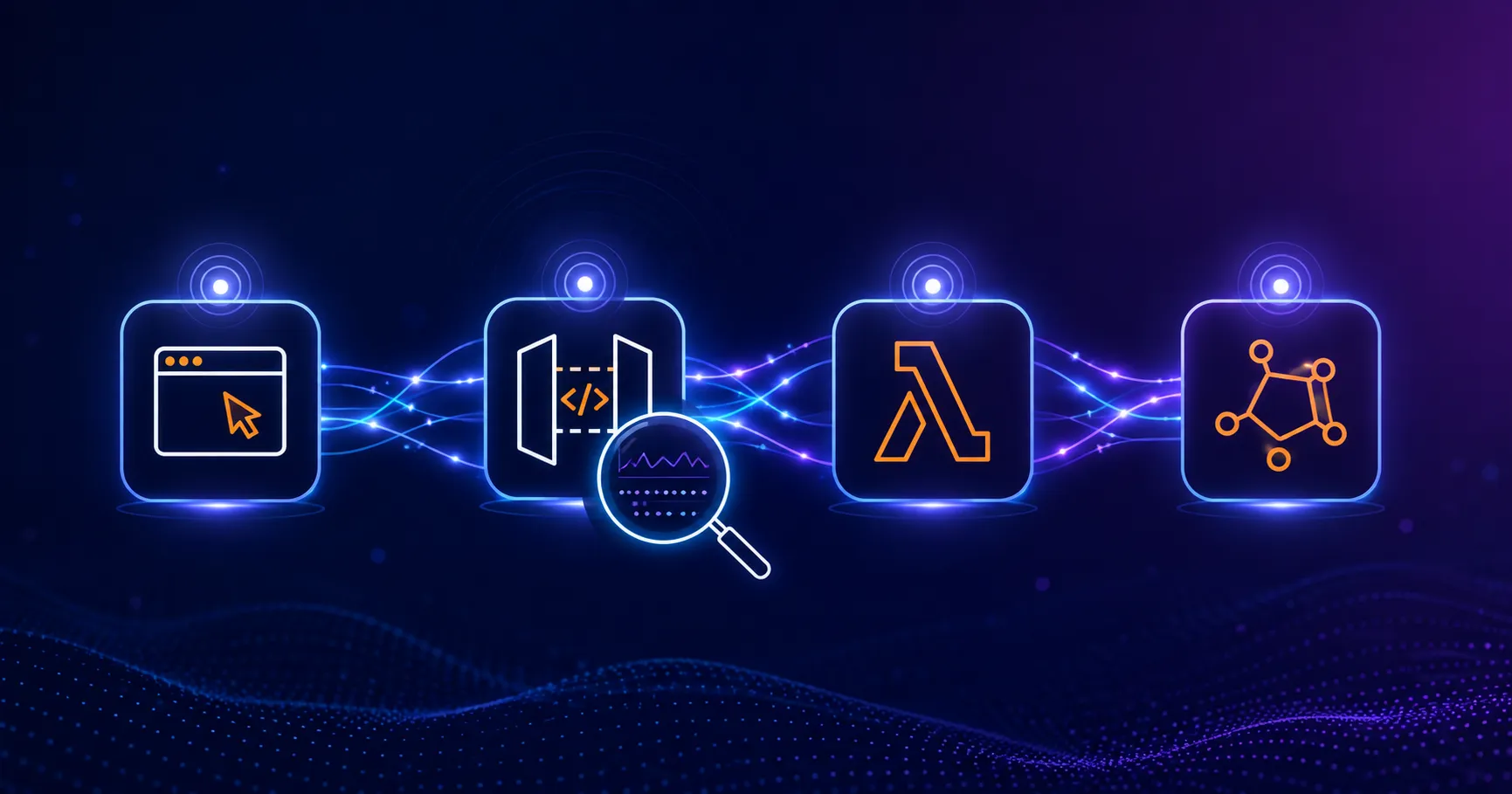
Building Distributed Tracing and Observability with AWS X-Ray
A practical guide to correlating requests across a multi-tier application using correlation IDs, AWS X-Ray segments, and structured logging for faster incident debugging.
Read More