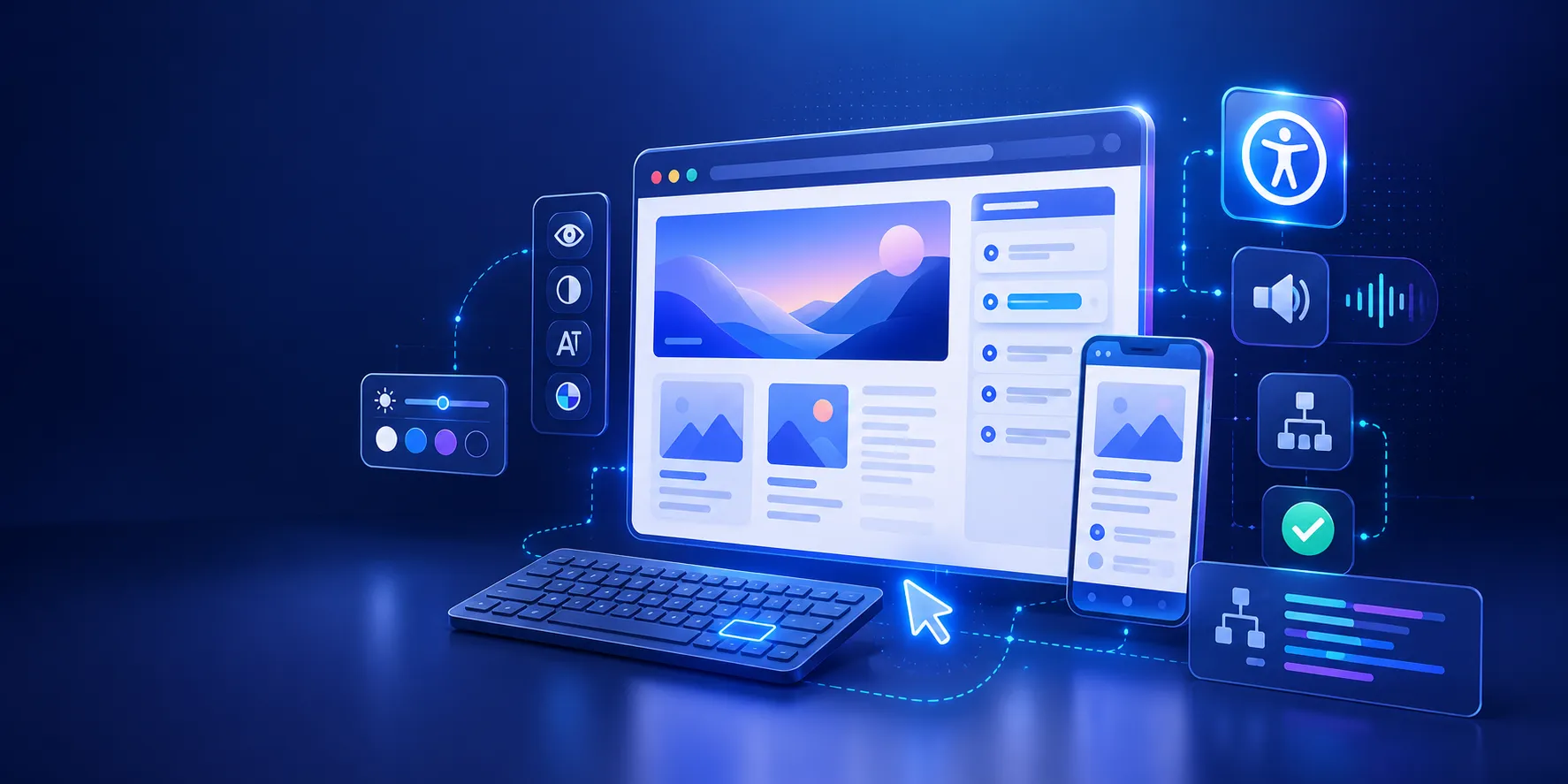
The Website Accessibility Revolution: Why You Can't Afford to Ignore WCAG 2.2

Got a project?
Let's discuss your project
Introduction
Imagine visiting a website but being unable to open its menu with a keyboard, understand a form with a screen reader, or complete an important task because a button is difficult to operate.
For people with disabilities, these are not minor usability issues. Poor website accessibility can create barriers that make it harder to access information, use digital services, make purchases, or complete important tasks independently.
The World Health Organization estimates that 1.3 billion people, or about 16% of the world's population, experience significant disability. For businesses, this makes accessibility an important part of creating inclusive digital experiences.
The good news is that many accessibility barriers can be prevented during design and development. WCAG 2.2 provides a framework for improving web accessibility, while automated and manual testing can help teams identify problems before they affect users.
"Key Takeaway: Website accessibility helps people with different abilities navigate, understand, and interact with websites. WCAG 2.2 provides the technical framework, while accessible design, development, QA, and human testing help reduce real-world barriers."
What Is Website Accessibility?
Website accessibility is the practice of designing and developing websites so people with different disabilities can perceive, navigate, understand, and interact with digital content.
Users may rely on:
- Keyboard navigation instead of a mouse
- Screen readers to understand page content
- Magnification or zoom for low vision
- Voice control to operate interfaces
- Captions and transcripts for multimedia
A website can look visually polished while still creating significant accessibility barriers. A clickable <div> instead of a native button, a form without accessible labels, missing focus indicators, or an inaccessible dialog can make important functionality difficult or impossible to use.
This is why accessibility should be considered throughout UI/UX design, development, and QA, rather than being treated as a final checklist before launch.
Our UI/UX design and quality assurance testing services build accessibility into the process instead of bolting it on at the end.
How WCAG 2.2 Supports Website Accessibility
The Web Content Accessibility Guidelines (WCAG) provide a framework for improving web accessibility. WCAG 2.2 is built around four principles known as POUR: Perceivable, Operable, Understandable, and Robust.
- Perceivable: Users can perceive information and interface elements.
- Operable: Users can operate navigation and interactive components.
- Understandable: Content and interactions are clear and predictable.
- Robust: Content works reliably with different browsers and assistive technologies.
These principles translate into practical decisions such as using semantic HTML, providing meaningful alternative text, maintaining sufficient color contrast, creating accessible forms, and ensuring interactive components work with keyboards.
Website Accessibility Starts With Better Development
Many accessibility problems can be prevented by using appropriate HTML elements and accessible interaction patterns from the beginning.
For example:
1<button type="button">Open menu</button>
is generally preferable to:
1<div onclick="openMenu()">Open menu</div>
A native button provides built-in semantics and expected keyboard behavior.
Let's Build Something Great Together
Ready to transform your idea into a powerful software solution? Talk to our experts and get a free consultation.
Contact Us
Developers should also ensure that:
- Interactive elements can receive keyboard focus
- Focus remains visible
- Focus order is logical
- Forms have accessible names and clear instructions
- Dialogs and menus work without a mouse
- Images have meaningful alternative text when needed
These practices connect website accessibility with accessible UI/UX design and quality web development.
Our web application development process treats accessibility as a core requirement from the first sprint.
Why WCAG 2.2 Matters for Modern Websites
Modern websites rely heavily on custom components such as dropdown menus, dialogs, drag-and-drop interfaces, authentication flows, and touch interactions.
WCAG 2.2, published as a W3C Recommendation in October 2023, added nine new Success Criteria covering areas including focus visibility, dragging alternatives, target size, consistent help, redundant entry, and accessible authentication.
WCAG should not be treated as a simple checklist. Developers need to consider how each component actually behaves for people using different input methods and assistive technologies.
How to Test Website Accessibility
Building accessible code is only part of the process. Teams also need to test whether the interface actually works for users.
Automated tools such as axe, Lighthouse, WAVE, and Accessibility Insights can identify many common, machine-detectable accessibility issues. However, automated testing cannot find every accessibility problem.
For example, a tool may detect that an image has alternative text without determining whether that text actually communicates the image's meaning in context.
A practical website accessibility testing process should combine:
- Automated accessibility testing
- Keyboard testing
- Screen-reader testing
- Focus-order evaluation
- Form and error-message testing
- Manual testing of important user journeys
This makes accessibility testing an important part of a broader QA and software testing process.
Our QA and testing services combine automated scans with keyboard, screen-reader, and manual journey checks.
Can AI Help With Website Accessibility?
AI can support accessibility-focused development by helping developers understand accessibility errors, locate relevant code, suggest fixes, and create regression tests.
With appropriately configured development tools and MCP-based workflows, AI can also assist with connected development and testing processes.
However, AI should be treated as an accessibility co-pilot, not proof that a website is accessible. Automated tools, developer review, keyboard testing, screen-reader testing, and human evaluation remain important.
Our AI consulting services can help you build AI-assisted workflows that keep human review in the loop.
Website Accessibility Checklist
Before launching or updating a website, check these fundamentals:
- Use semantic HTML
- Make important functionality keyboard accessible
- Keep keyboard focus visible
- Give form controls accessible names
- Provide meaningful alternative text where appropriate
- Maintain sufficient color contrast
- Make menus, dialogs, and custom components accessible
- Run automated accessibility tests
- Perform keyboard and screen-reader testing
- Review accessibility throughout development and QA
Final Thoughts
Website accessibility should not be something added after a website is complete. It should be considered throughout UI/UX design, development, and QA.
WCAG 2.2 provides a strong technical framework for addressing accessibility barriers, while automated testing, manual evaluation, and AI-assisted development can help teams identify and resolve issues more efficiently.
The goal is simple: build websites that more people can navigate, understand, and use independently.
Accessibility is not only about passing an automated scanner. It is about creating digital experiences that work for real people.
10 AI Prompts Every Manual Tester Should Have in Their QA Toolkit
Discover 10 practical AI prompts manual testers can use to improve test coverage, find edge cases, analyze bugs, strengthen regression testing, and become more effective QA engineers.
Read More
Race Conditions in Web Applications: Why Correct Code Produces Wrong Results
Race conditions silently corrupt data when concurrent requests touch shared state at the wrong time. Learn how atomic updates, transactions, idempotency, and locking keep your application correct under real concurrency.
Read More
AI Writes the Code • Stop Blindly Shipping It Without Reviewing the Engineering
A practical perspective on AI-generated code, scalability, maintainability, and engineering judgment and why engineering review still owns the final decision.
Read More
Migrating Databases with AWS DMS With Nearly Zero Downtime
Learn how to migrate databases using AWS DMS with nearly zero downtime using Full Load, CDC, validation, monitoring, and controlled cutover.
Read More
How to Add LiveKit Video Calling to a Next.js App
Add embedded video & audio calling to Next.js with LiveKit Cloud. Compared vs Twilio, Daily, Agora, Zoom — plus token auth, guests & recording.
Read More
We chose ECS over EKS: what we gained and what we gave up
An honest comparison of ECS vs EKS the costs, tradeoffs, and real-world reasoning behind choosing ECS for a production platform on AWS.
Read More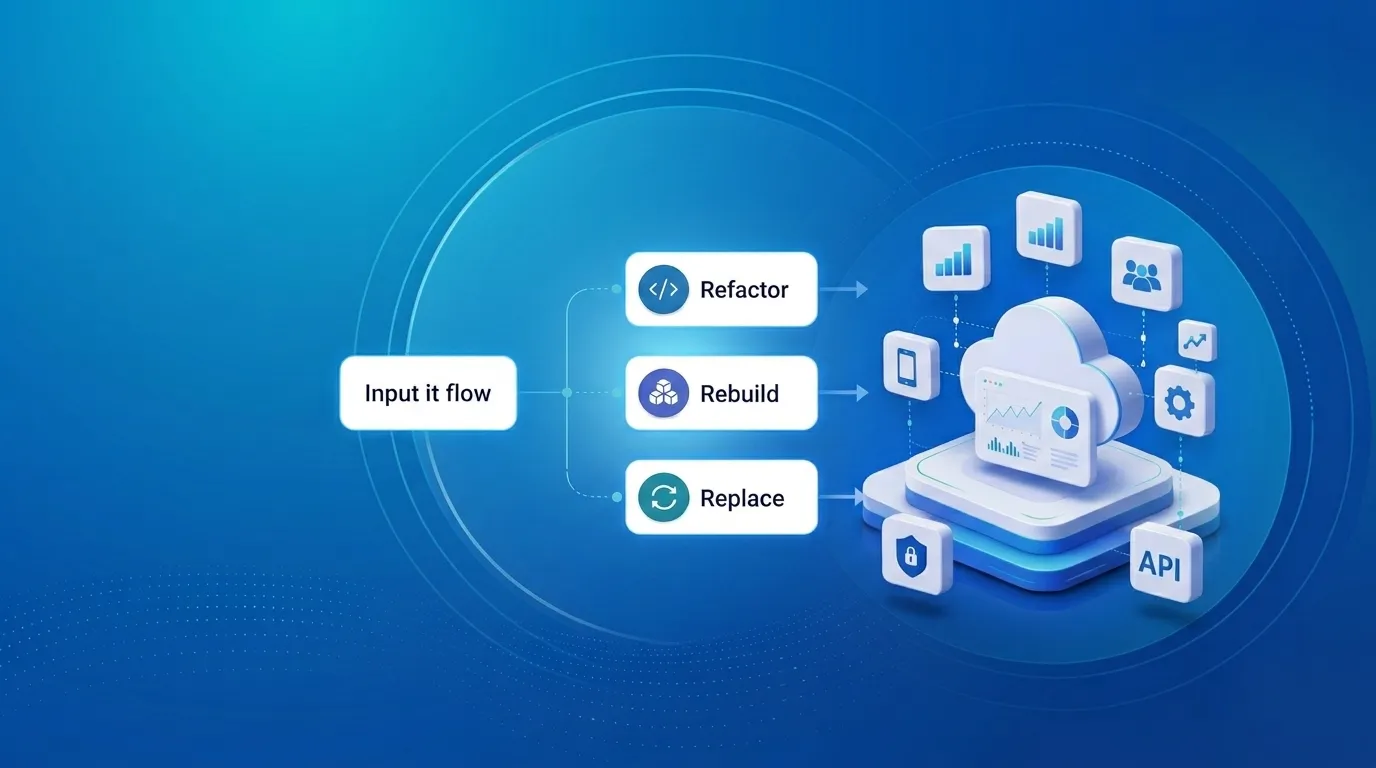
Upgrading Legacy Systems: From Outdated Technology to Competitive Advantage
Learn how to upgrade legacy systems through application modernization, API integration, cloud migration, security improvements, and incremental system upgrades without disrupting business operations.
Read More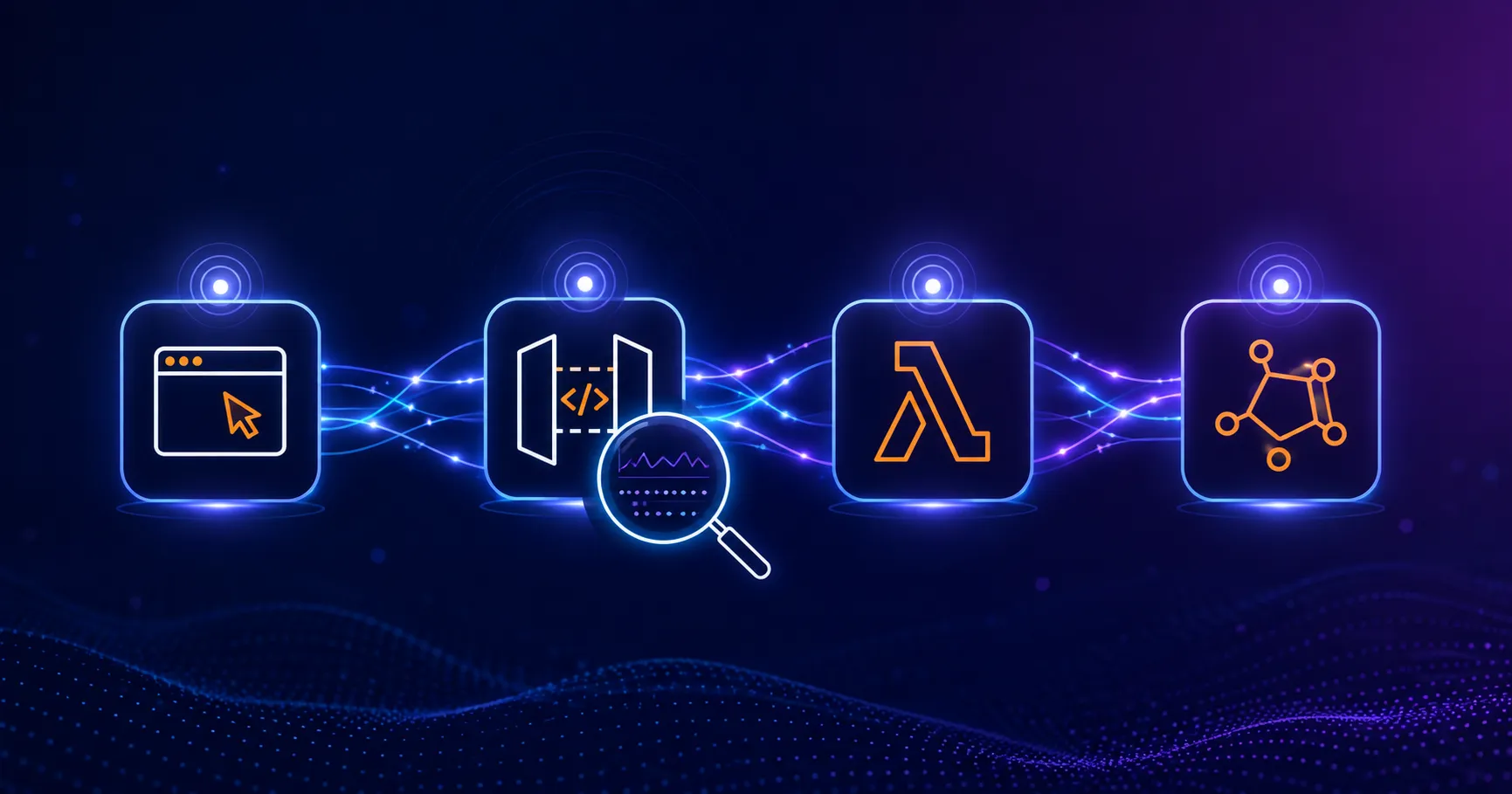
Building Distributed Tracing and Observability with AWS X-Ray
A practical guide to correlating requests across a multi-tier application using correlation IDs, AWS X-Ray segments, and structured logging for faster incident debugging.
Read More
Designing Before and After AI: What Really Changed
A look at how AI has transformed UI/UX design from manual wireframes and slow research to AI-assisted prototyping, design-to-code, and personalization at scale.
Read More