
Agentic AI for QA & Software Testing with MCP Servers

Got a project?
Let's discuss your project
Introduction
For years, QA engineers have relied heavily on manual testing, repetitive validation, documentation, and traditional automation scripts. But now, a new era of testing has started:
Agentic AI Testing: Recently, I explored AI-assisted testing using AI agents connected through an MCP Server for WCAG accessibility testing, and the experience completely changed my perspective on the future of QA.
Tasks that could normally take days of manual effort were completed within minutes using AI-assisted workflows.
And honestly, this is not just another AI trend.
This is becoming the future of Software Testing.
In this blog, we will discuss:
- 1What Agentic AI is
- 2What MCP Servers are
- 3How Agentic AI Testing works
- 4Real QA benefits of AI agents
- 5How AI helps small QA teams
- 6WCAG testing with AI
- 7AI limitations in QA
- 8Skills QA engineers should learn now
What is Agentic AI?
Agentic AI is a new generation of AI systems that can perform tasks intelligently instead of simply answering questions.
Traditional AI tools mostly respond to prompts.
But Agentic AI can:
- Understand goals
- Perform actions
- Analyze workflows
- Make decisions
- Continue multi-step processes
- Interact with systems
- Generate reports
- Assist in testing activities
For example, instead of telling AI:
"Check this one issue."
You can tell an AI agent:
"Perform accessibility testing on this application and generate detailed reports."
The AI then works almost like a QA assistant.
That is why it is called Agentic AI.
What is Agentic AI Testing?
Agentic AI Testing means using AI agents to help perform software testing tasks intelligently.
At Omax Tech, our Agentic QA Services combine experienced QA engineers with intelligent AI agents to accelerate regression testing, browser validation, accessibility testing, and overall software quality.
Instead of manually validating every small workflow, AI agents can assist with:
- Accessibility testing
- Regression testing
- UI validation
- Bug report generation
- API analysis
- Requirement analysis
- Workflow validation
- Edge case suggestions
This is very different from traditional automation testing. Traditional automation follows fixed scripts.
Agentic AI can dynamically analyze workflows and make intelligent decisions during testing.
What is MCP Server?
MCP stands for:
Model Context Protocol: It works as a communication bridge between AI agents and external systems.
Normally, AI tools are limited to conversation only.
But with MCP, AI agents can interact with:
- Browsers
- Applications
- APIs
- Files
- Testing environments
- Development systems
- External tools
You can think of MCP as:
"The layer that allows AI agents to communicate with real software systems."
One example of an MCP implementation is the Google Chrome MCP Server, which allows AI agents to interact directly with browser-based applications.
How MCP Works
The workflow usually looks like this:
Step 1 - User Gives a Goal
The QA engineer provides an instruction such as:
- Analyze the application
- Perform testing
- Validate workflows
- Generate reports
- Review accessibility
The AI first understands the objective.
Step 2 - MCP Provides Access
The MCP server connects the AI agent with the required systems such as:
- Browser
- Application
- APIs
- Files
- Testing tools
Without MCP, the AI cannot properly interact with these environments.
Step 3 - AI Sends Instructions
The AI communicates through MCP by requesting actions like:
- Open a page
- Inspect elements
- Read data
- Trigger workflows
- Analyze outputs
- Capture responses
MCP safely forwards these requests to the connected systems.
Step 4 - System Returns Information
The connected systems then send information back through MCP such as:
- UI details
- Logs
- API responses
- Validation outputs
- Errors
- Application behavior
Step 5 - AI Continues the Workflow
The AI then:
- Analyzes results
- Detects possible issues
- Suggests improvements
- Generates reports
- Continues the workflow intelligently
This transforms AI from:
"A chatbot"
into:
"An intelligent working agent."
AI Tools Supporting Agentic Workflows
Many modern AI tools are now moving toward Agentic AI workflows.
Popular examples include:
- Cursor
- Anthropic Claude AI
- OpenAI AI Agents
- Microsoft Copilot ecosystem
- Browser AI agents
- AI development assistants
While the capabilities and level of autonomy vary across tools, most modern AI platforms are rapidly evolving toward agent-based workflows through integrations, MCP Servers, plugins, and tool-calling capabilities.
These tools are becoming increasingly useful for software testing and quality engineering workflows.
Real Example: WCAG Accessibility Testing with Agentic AI
To better understand the practical capabilities of Agentic AI in Software Testing, I recently conducted a real-world experiment using Cursor AI connected to the Google Chrome MCP Server.
The Chrome MCP integration allowed the AI agent to interact directly with the browser, inspect web pages, analyze UI elements, review accessibility concerns, and assist in identifying potential WCAG compliance issues.
Unlike a traditional chatbot that can only provide suggestions, the AI agent was able to observe and interact with the application through the browser, making the testing process significantly more practical and effective.
This experience demonstrated how MCP can transform AI from a simple conversational assistant into an active testing companion capable of interacting with real applications and supporting QA engineers in day-to-day testing activities.
Normally, manual accessibility testing requires checking:
- Keyboard navigation
- Focus states
- Color contrast
- Labels
- ARIA attributes
- Screen reader compatibility
- Semantic structure
- Accessibility compliance
For a junior QA engineer, this process can take a very long time because WCAG testing requires experience and careful validation.
Depending on project size, manual accessibility testing may take:
- Several days
- Sometimes even 10-12 days
But AI-assisted testing dramatically speeds up the process.
Using Agentic AI workflows connected through MCP:
- Accessibility issues were detected quickly
- Reports were generated faster
- Explanations were provided automatically
- Repetitive effort was reduced significantly
In many cases, AI agents can complete an initial accessibility analysis within 5–10 minutes, significantly reducing the manual effort required for the first review cycle.
Real QA Benefits of Agentic AI
This is where Agentic AI becomes truly valuable in real software teams.
At Omax Tech, we integrate these capabilities into our QA Testing Services to help teams improve productivity while maintaining high software quality standards.
1. Extremely Helpful for Small QA Teams
In many companies:
- 12-14 developers may be working together
- But only 1 or 2 QA engineers are available
This creates huge testing pressure.
QA engineers must handle:
- Multiple features
- Regression testing
- Bug verification
- Accessibility checks
- Production validation
- Client fixes
- UI reviews
If everything is tested manually one-by-one, testing becomes very slow.
Let's Build Something Great Together
Ready to transform your idea into a powerful software solution? Talk to our experts and get a free consultation.
Contact Us
Agentic AI helps reduce this bottleneck significantly.
AI agents can assist with:
- Fast validations
- Accessibility analysis
- Repetitive workflows
- Report generation
- Scenario suggestions
This allows small QA teams to handle much larger workloads efficiently.
2. AI Helps Discover Scenarios Humans May Miss
In real projects, QA engineers are often:
- Busy with multiple tasks
- Under deadlines
- Mentally overloaded
- Handling continuous releases
Because of this, sometimes edge cases or uncommon scenarios may be missed.
AI agents can help identify:
- Unexpected validation cases
- Accessibility issues
- UI inconsistencies
- Hidden edge cases
- Navigation problems
- Missing states
This gives QA engineers an additional intelligent review layer during testing.
3. Faster Regression Testing
Repeated regression testing consumes huge time during fast releases.
AI agents can help accelerate:
- Workflow validations
- UI reviews
- Form checks
- Navigation testing
- Basic regression analysis
This improves release speed significantly.
4. Better Handling of Complex Calculations
Some systems contain highly complex logic such as:
- POS systems
- Financial systems
- Pricing engines
- Tax calculations
- Commission systems
- Logistics pricing
- Inventory management
Humans can sometimes make calculation mistakes during repetitive validations.
AI agents can help verify calculations more consistently and quickly.
This becomes extremely valuable in enterprise-level systems with complex business logic.
5. Better Bug Reporting
AI-assisted workflows can generate structured reports including:
- Issue title
- Description
- Steps to reproduce
- Actual result
- Expected result
- Impact analysis
- Recommended fixes
This improves communication between QA and development teams.
6. Faster Learning for Junior QA Engineers
Junior QA engineers often struggle with:
- Accessibility understanding
- Writing bug reports
- Finding edge cases
- Understanding standards
- Workflow analysis
AI-assisted testing can help them learn faster through intelligent suggestions and structured guidance.
7. Faster Requirement Analysis
AI agents can quickly review:
- User stories
- BRDs
- FSDs
- Acceptance criteria
- Technical specifications
and help identify:
- Missing scenarios
- Ambiguous requirements
- Validation gaps
- Potential edge cases
This enables QA engineers to begin test planning much earlier in the development lifecycle.
AI Hallucinations: The Risk Every QA Engineer Must Understand
One of the most important concepts QA engineers need to understand when working with Agentic AI is:
AI Hallucinations
An AI hallucination occurs when an AI system generates information, findings, conclusions, or bug reports that appear correct but are actually inaccurate, misleading, or completely incorrect.
In software testing, this can happen when an AI agent:
- Reports a bug that does not actually exist
- Misunderstands business requirements
- Assumes expected behavior incorrectly
- Generates inaccurate test scenarios
- Suggests invalid fixes
- Misinterprets application workflows
- Produces incorrect accessibility findings
At first glance, these results may look convincing because AI often presents information confidently.
However, confidence does not always mean correctness.
This is why QA engineers should never treat AI-generated reports as final truth.
Instead, they should treat AI findings as:
"Intelligent recommendations that require human validation."
Why Human Review Remains Essential
Even the most advanced AI agent does not fully understand:
- Business goals
- Customer expectations
- Industry-specific requirements
- Product strategy
- Organizational decisions
Only experienced QA professionals can validate whether a finding is genuinely a defect or simply an incorrect AI assumption.
For this reason, every AI-generated output should be reviewed before:
- Logging defects
- Sharing reports
- Escalating issues
- Making release decisions
The Best Approach: Trust, But Verify
The most successful QA teams will not blindly trust AI, nor will they ignore it.
Instead, they will follow a simple principle:
"Use AI for speed."
"Use human expertise for accuracy."
Agentic AI can dramatically improve productivity, but quality decisions should always remain in the hands of skilled QA professionals.
What QA Engineers Should Learn Now
The future QA engineer should start learning:
- Agentic AI Testing
- MCP workflows
- Accessibility testing
- Prompt engineering
- AI-assisted QA
- API testing
- Automation basics
- Risk-based testing
The industry is shifting from:
"Manual repetitive execution"
toward:
"Intelligent AI-assisted quality engineering."
Final Thoughts
Agentic AI and MCP-based workflows are becoming one of the biggest transformations in modern Software Quality Assurance.
Tasks that once consumed days of repetitive effort can now be accelerated dramatically using AI agents.
This does not replace QA engineers.
Instead, it helps QA teams become:
- Faster
- More productive
- More scalable
- More intelligent
The future of QA belongs to engineers who combine:
- Human intelligence
- Business understanding
- Critical thinking
with:
- AI-assisted workflows
- MCP integrations
- Intelligent testing strategies
Because modern QA is no longer just about testing software.
It is about:
"Testing Smarter with AI."
Conclusion
The question is no longer whether AI will become part of Software Testing.
The real question is:
"Will QA engineers learn to work alongside AI, or will they fall behind those who do?"
The future belongs to QA professionals who embrace Agentic AI, understand MCP-based workflows, and use AI as a force multiplier rather than viewing it as a replacement.
The most successful QA engineers of the future will not be those who compete with AI.
They will be those who learn how to collaborate with it.

AI Writes the Code • Stop Blindly Shipping It Without Reviewing the Engineering
A practical perspective on AI-generated code, scalability, maintainability, and engineering judgment and why engineering review still owns the final decision.
Read More
Migrating Databases with AWS DMS With Nearly Zero Downtime
Learn how to migrate databases using AWS DMS with nearly zero downtime using Full Load, CDC, validation, monitoring, and controlled cutover.
Read More
How to Add LiveKit Video Calling to a Next.js App
Add embedded video & audio calling to Next.js with LiveKit Cloud. Compared vs Twilio, Daily, Agora, Zoom — plus token auth, guests & recording.
Read More
We chose ECS over EKS: what we gained and what we gave up
An honest comparison of ECS vs EKS the costs, tradeoffs, and real-world reasoning behind choosing ECS for a production platform on AWS.
Read More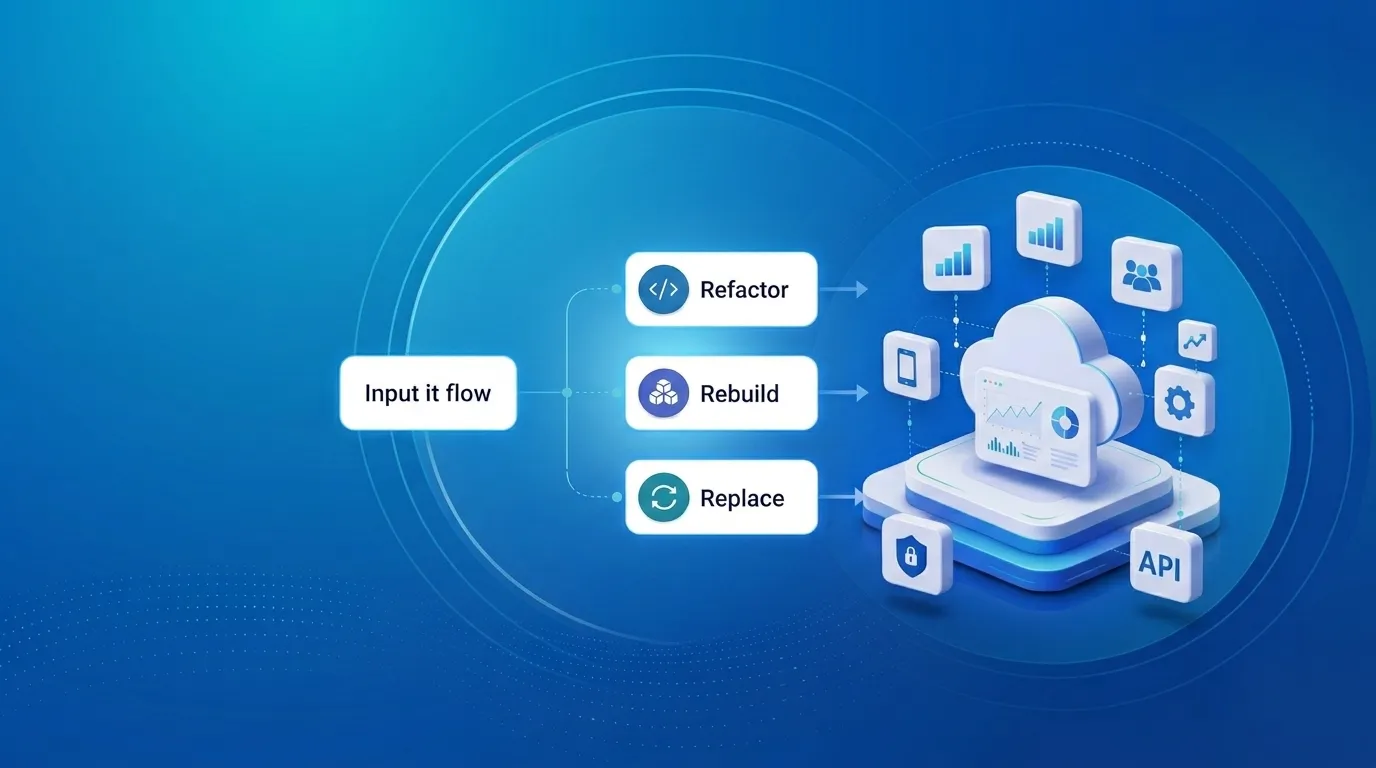
Upgrading Legacy Systems: From Outdated Technology to Competitive Advantage
Learn how to upgrade legacy systems through application modernization, API integration, cloud migration, security improvements, and incremental system upgrades without disrupting business operations.
Read More
Building Distributed Tracing and Observability with AWS X-Ray
A practical guide to correlating requests across a multi-tier application using correlation IDs, AWS X-Ray segments, and structured logging for faster incident debugging.
Read More
Designing Before and After AI: What Really Changed
A look at how AI has transformed UI/UX design from manual wireframes and slow research to AI-assisted prototyping, design-to-code, and personalization at scale.
Read More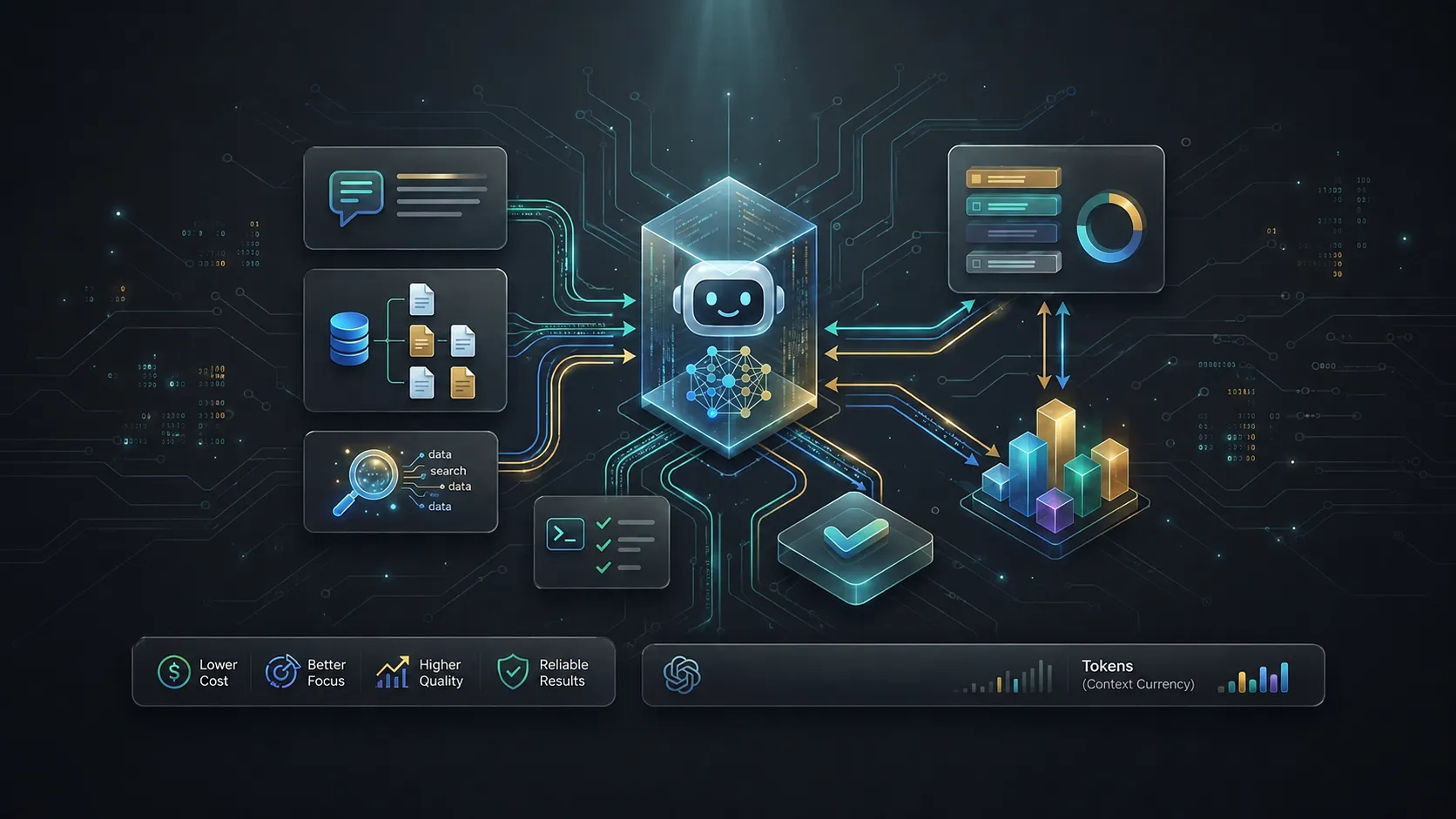
Beyond Prompting: Managing Context and Tokens in AI Coding Tools
Ever wondered why your AI coding agent starts losing context or hits a hard limit mid-task? The answer lies in tokens and the context window. Good AI coding is not about giving the model the most information. It is about giving it the right information at the right time.
Read More
What Is llms.txt? How It Helps Google, AI Search, and Agentic Browsing Find Your Website
Learn what llms.txt is, how it differs from sitemap.xml and robots.txt, and how it can help your site get found by Google, AI search tools, and AI agents.
Read More