AWS Migration Checklist: A Practical Roadmap for Modern Businesses

Got a project?
Let's discuss your project
Introduction
Migrating businesses to AWS offers many benefits, including cost optimization, improved security, and greater scalability. However, a successful migration requires careful planning and execution. Otherwise, organizations may experience downtime, security risks, and performance issues.
A structured and well-planned migration strategy is necessary whether you are moving a few applications or a huge data center. In this blog we will discuss the roadmap for migrating businesses to AWS.
WHY MIGRATE TO AWS?
Because AWS offers:
- Pay-as-you-go pricing
- High availability and high scalability
- Global infrastructure
- Enhanced security services
- AI and machine learning capabilities
These benefits help businesses modernize operations while reducing IT complexity and costs. The steps of migration may include
1. Evaluate your existing infrastructure:
Create a complete list of your
- Storage systems
- Databases
- Applications
- Networking components
Determine the applications security, compliance and performance requirements. Identify application and infrastructure dependencies to avoid migration disruptions. Making clear goals before migrating is essential for successful migration.
2. Select your migration strategy:
Select the migration strategy from the “7R’s” migration framework.
Rehost (Lift and Shift)
Move applications to AWS with minimal changes.This type of migration is quick.
Replatform
Make minor optimizations during migration. This type of migration is best for improving performance.
Refactor
Redesign applications to leverage cloud-native services.This type of migration is best for long term scalability.
Repurchase
Replace existing applications with SaaS solutions.
Retain
Keep workloads on-premises temporarily.
Retire
Eliminate unused applications.
Relocate
Relocate moves VMware-based workloads to AWS without purchasing new hardware or redesigning applications, often using VMware Cloud on AWS.
3. Build your AWS infrastructure:
- Establish a multi-account environment using AWS Organizations and AWS Control Tower, separating production, development, testing, and security accounts.
- Configure IAM and design a networking architecture that includes VPCs, subnets, route tables, and security groups. A well designed network architecture is very important for the performance and security of your application.
- Implement tagging standards for resources to improve cost allocation, governance, and operational management.
4. Prepare Security infrastructure:
- Security should be checked at every stage of migration.
- The security checklist should include encryption at rest and in transit, AWS CloudTrail for auditing and governance, AWS KMS for key management, IAM permission reviews, and properly configured Network ACLs (NACLs) and Security Groups. Use more AWS services for security like AWS Config, AWS Security Hub, Amazon GuardDuty, AWS WAF, AWS Shield.
5. Plan Data Migration:
- Data migration is a very important step. Determine the total size of the data, bandwidth limitations, and acceptable downtime.
- Select AWS migration tools such as AWS Database Migration Service (AWS DMS) and AWS DataSync.
- Create full backups and snapshots before migration to ensure data safety.
- For server migrations, AWS Application Migration Service (AWS MGN) can help lift and shift on-premises workloads to AWS with minimal downtime.
- AWS Migration Hub provides a centralized view of migration progress across multiple AWS migration tools.
6. Perform Pilot Migration:
- Avoid migrating all workloads at once. Start with non-critical workloads.
- Pilot migration helps validate application performance, security controls, and network connectivity before migrating critical workloads.
- Resolve any issues identified during the pilot migration before proceeding with larger or business-critical workloads.
7. Execute Production Migration:
- Once testing is complete during the pilot migration phase, begin migrating production workloads.
- Monitor the system performance, check the migrated resources, Conduct application validation testing, user acceptance testing (UAT), and performance benchmarking against baseline metrics.
8. Optimize AWS environments:
- Migration is only the beginning. Continuous optimization is essential to maximize performance, security, and cost efficiency.
- Optimize the compute and storage resources and check the unused resources for cost optimization. Use AWS Cost Explorer, AWS Budgets, and AWS Trusted Advisor to identify cost-saving opportunities and monitor cloud spending.
9. Implement Monitoring and Disaster Recovery Policy:
- Configure CloudWatch dashboards to monitor application performance, enable alerts to proactively detect issues, and ensure rapid response to potential service disruptions
- Implement disaster recovery strategies such as Backup and Restore, Pilot Light, Warm Standby, or Multi-Region Active-Active architectures depending on business requirements.
Commonly AWS migration fails because of:
Let's Build Something Great Together
Ready to transform your idea into a powerful software solution? Talk to our experts and get a free consultation.
Contact Us
- Lack of assessment of the infrastructure to be migrated.
- Starting migration without a defined migration strategy.
- Migrating all workloads simultaneously without phased validation.
- Poor documentation of the migration strategy.
- Lack of cost forecasting.
- Failure to identify application dependencies before migration.
Conclusion:
Migrating to AWS can improve application performance, scalability, security, and operational efficiency. However, successful AWS migration requires careful planning, execution, and ongoing optimization. By following the steps outlined above, businesses can minimize migration risks, reduce downtime, and maximize the benefits of the AWS Cloud.

AI Writes the Code • Stop Blindly Shipping It Without Reviewing the Engineering
A practical perspective on AI-generated code, scalability, maintainability, and engineering judgment and why engineering review still owns the final decision.
Read More
Migrating Databases with AWS DMS With Nearly Zero Downtime
Learn how to migrate databases using AWS DMS with nearly zero downtime using Full Load, CDC, validation, monitoring, and controlled cutover.
Read More
How to Add LiveKit Video Calling to a Next.js App
Add embedded video & audio calling to Next.js with LiveKit Cloud. Compared vs Twilio, Daily, Agora, Zoom — plus token auth, guests & recording.
Read More
We chose ECS over EKS: what we gained and what we gave up
An honest comparison of ECS vs EKS the costs, tradeoffs, and real-world reasoning behind choosing ECS for a production platform on AWS.
Read More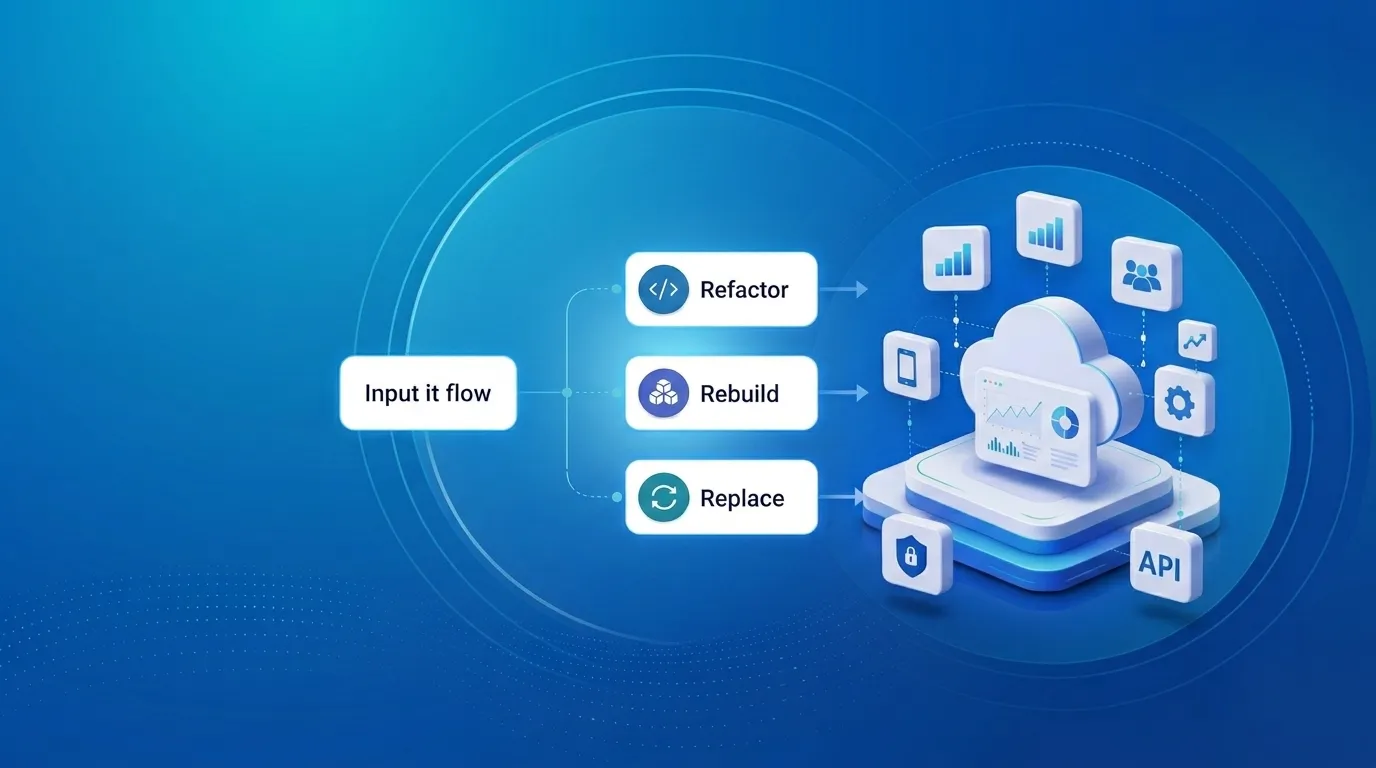
Upgrading Legacy Systems: From Outdated Technology to Competitive Advantage
Learn how to upgrade legacy systems through application modernization, API integration, cloud migration, security improvements, and incremental system upgrades without disrupting business operations.
Read More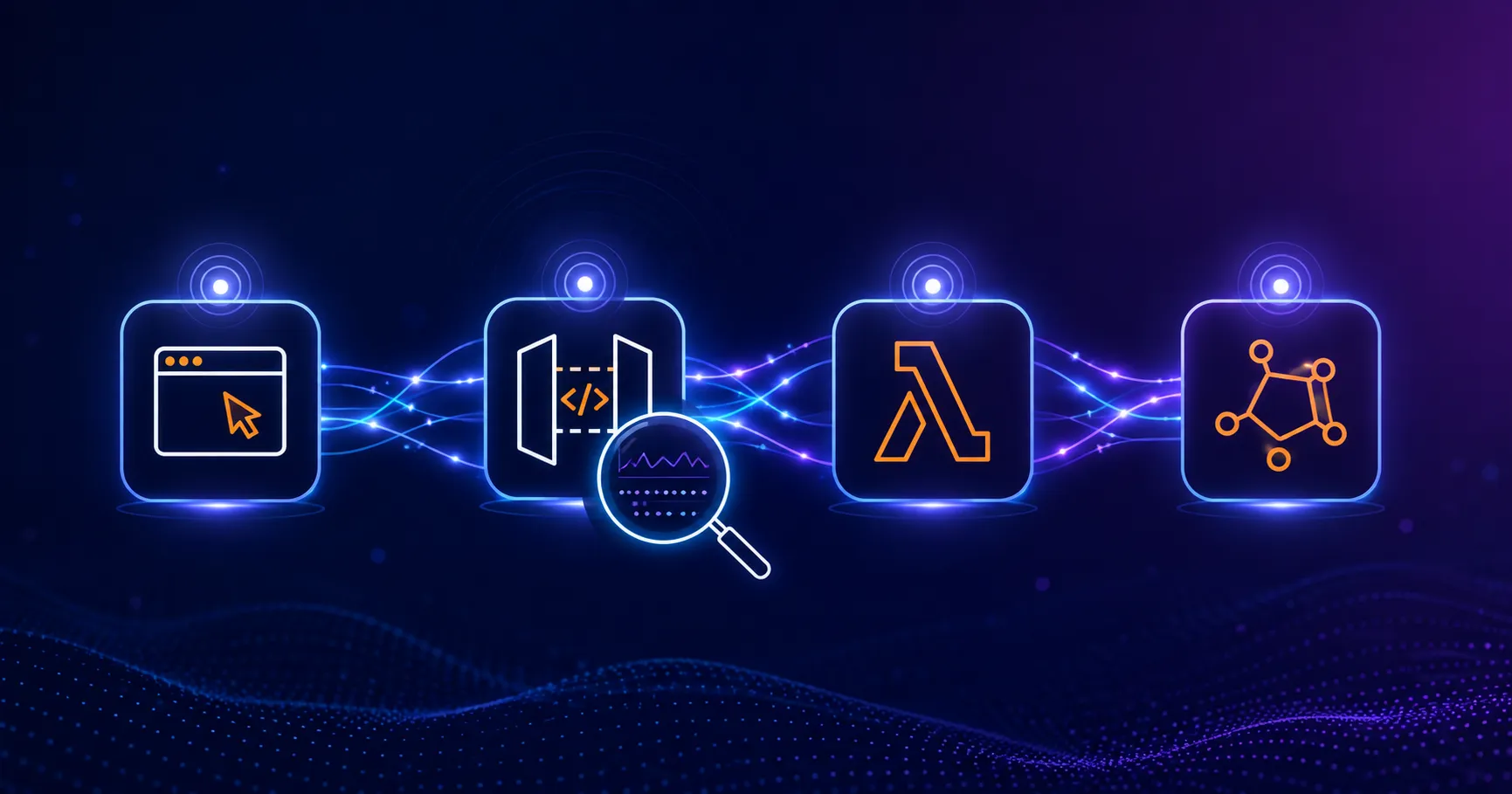
Building Distributed Tracing and Observability with AWS X-Ray
A practical guide to correlating requests across a multi-tier application using correlation IDs, AWS X-Ray segments, and structured logging for faster incident debugging.
Read More
Designing Before and After AI: What Really Changed
A look at how AI has transformed UI/UX design from manual wireframes and slow research to AI-assisted prototyping, design-to-code, and personalization at scale.
Read More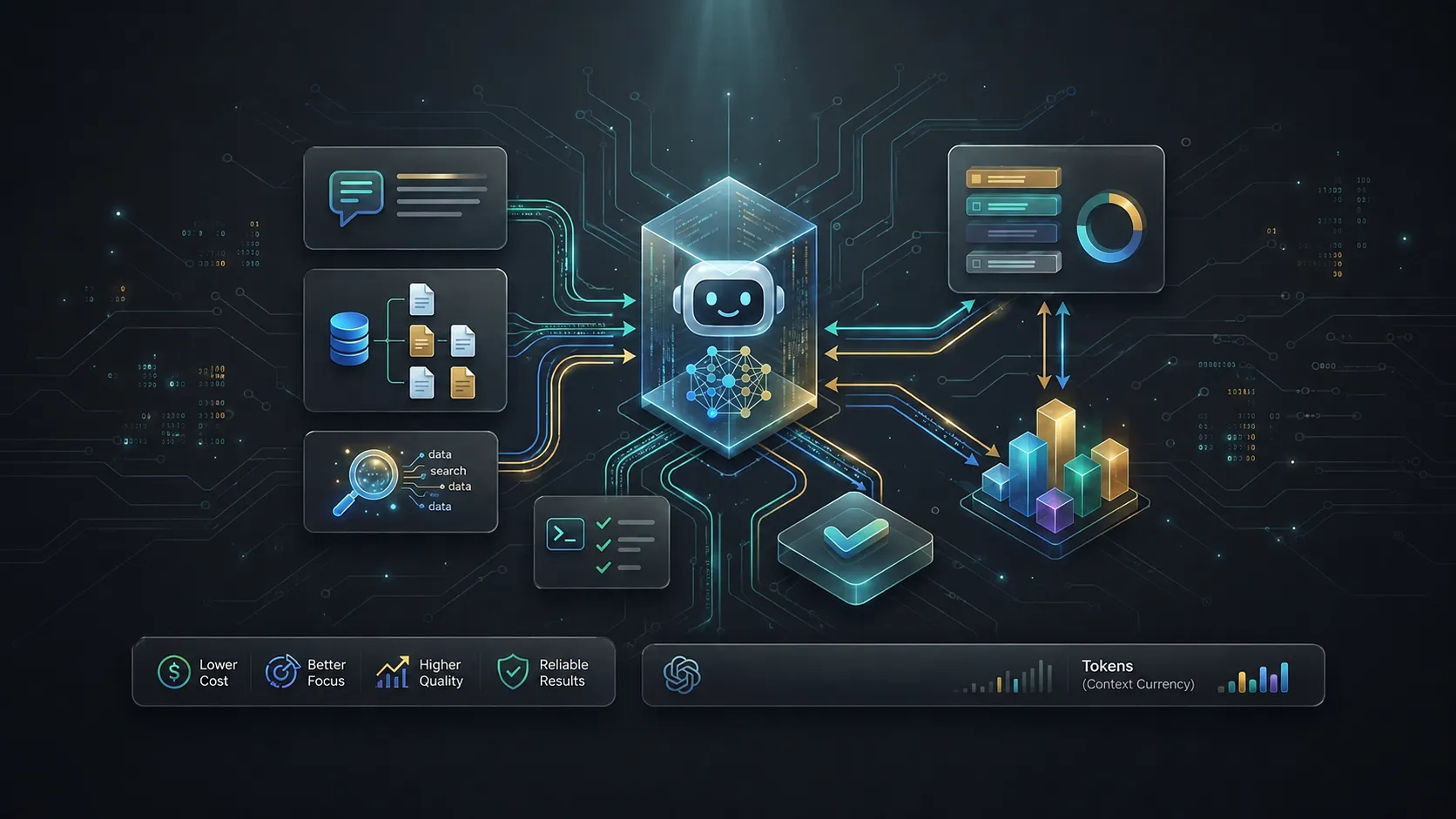
Beyond Prompting: Managing Context and Tokens in AI Coding Tools
Ever wondered why your AI coding agent starts losing context or hits a hard limit mid-task? The answer lies in tokens and the context window. Good AI coding is not about giving the model the most information. It is about giving it the right information at the right time.
Read More
What Is llms.txt? How It Helps Google, AI Search, and Agentic Browsing Find Your Website
Learn what llms.txt is, how it differs from sitemap.xml and robots.txt, and how it can help your site get found by Google, AI search tools, and AI agents.
Read More