
AWS Security Best Practices Every Business Should Follow

Got a project?
Let's discuss your project
Introduction:
As more organizations migrate their applications and critical workloads to AWS, securing cloud environments has become a business priority rather than just an IT responsibility. While AWS provides one of the world's most secure cloud infrastructures, customers remain responsible for protecting their data, identities, applications, and configurations under the AWS Shared Responsibility Model.
Misconfigured resources, excessive permissions, inadequate monitoring, and publicly accessible resources significantly increase the risk of security incidents and data breaches. By following AWS security best practices, organizations can reduce these risks, protect sensitive data, and build a secure foundation for growth.
In this guide, we'll explore the most important AWS security best practices every business should implement to strengthen its AWS cloud security posture and maintain a resilient cloud environment.
Understanding AWS Shared Responsibility Model
AWS operates under a Shared Responsibility Model, where:
- AWS is responsible for security of the cloud (hardware, infrastructure, global network)
- Customers are responsible for security in the cloud (data, IAM, applications, configurations)
Understanding this model is essential for implementing effective AWS Security Best Practices and maintaining a strong cloud security posture.Because customers are responsible for securing the resources they deploy in AWS, implementing security best practices across identities, networks, data, and workloads is essential.
1. Implement the Principle of Least Privilege (AWS IAM Best Practices):
Following AWS IAM Best Practices helps organizations reduce the risk of unauthorized access and strengthen overall security. One of the best practices to secure cloud infrastructure is to implement the Principle of Least Privilege (PoLP) by granting users only the permissions they need to perform their assigned tasks.
Businesses should use AWS IAM Identity Center to centrally manage workforce access, enable Single Sign-On (SSO), and enforce least-privilege permissions across multiple AWS accounts and applications.
Use IAM roles instead of long-term access keys whenever possible and remove unused users and permissions. This significantly reduces the risk of unauthorized access and helps maintain a secure cloud infrastructure.
2. Enable Multi-Factor Authentication (MFA):
Passwords alone are not sufficient to secure cloud environments. Multi-Factor Authentication (MFA) adds an extra layer of protection as it requires a second form of authentication in addition to a password. This helps prevent unauthorized access even if a password is compromised.
3. Secure the AWS Root Account:
The AWS root account has full administrative access to all AWS resources. Always enable Multi-Factor Authentication (MFA) for the AWS root account. Don’t use Root Account for day-to-day operations. Use the root account only for tasks that specifically require root-level permissions.
Store the AWS root account credentials securely and use them only when absolutely necessary.
4. Encrypt Data at Rest and Transit:
Data encryption is essential for protecting sensitive business information. AWS offers multiple services for encryption. Use AWS Key Management Service (AWS KMS) to centrally manage encryption keys for AWS resources. Enable encryption for Amazon S3 buckets and Amazon RDS Databases. Use TLS/SSL certificates for all the network communications. AWS Certificate Manager (ACM) simplifies provisioning, managing, and automatically renewing SSL/TLS certificates for services like Application Load Balancer and CloudFront.
5. Configure AWS CloudTrail for Logging and Auditing
Logging and auditing are critical for maintaining a secure cloud environment. AWS CloudTrail records API calls across your AWS environment, helping teams audit and investigate security events. CloudTrail helps track user activity, detect unauthorized changes, identify suspicious behavior, support security investigations, and simplify compliance audits.
6. Monitor AWS Resources with Amazon CloudWatch
Effective AWS Security Monitoring is essential for detecting threats, identifying unusual behavior, and maintaining a secure cloud environment. Amazon CloudWatch provides real-time monitoring of resource utilization, performance metrics, logs, and alarms.
Configure CloudWatch alarms to detect suspicious activity, failed login attempts, and unusual resource behavior. Proactive monitoring helps to prevent security breaches.
7. Secure Network Access with Security Groups and Network ACLs
Network security is the foundation of every cloud application. Security Groups and Network ACLs control inbound and outbound network traffic for AWS resources. A best practice is to allow only the required ports in Security Groups and control IP traffic through Network ACL. Review the firewall configuration and remove unused network access rules. Proper network configuration significantly reduces the attack surface.
8. Continuously Scan for vulnerabilities:
Security is not a one-off project. It is a continuous activity. AWS provides several AWS Security Services that continuously assess workloads for vulnerabilities and security risks.
Let's Build Something Great Together
Ready to transform your idea into a powerful software solution? Talk to our experts and get a free consultation.
Contact Us
- Amazon Inspector continuously scans EC2 instances, container images, and Lambda functions for software vulnerabilities and unintended network exposure.
- AWS Security Hub Centralizes and prioritizes security findings from AWS services and third-party security tools.
- Amazon GuardDuty Detects malicious activity and suspicious behavior using threat intelligence and machine learning.
- AWS Detective helps security teams investigate suspicious activity by analyzing data from GuardDuty, CloudTrail, and other AWS services, making it easier to determine the root cause of security incidents.
9. Secure Amazon S3 Buckets:
Weakly configured S3 buckets are a common source of data breaches for businesses. Businesses should block public access by default, enable bucket versioning, enforce encryption, and regularly review bucket permissions to protect sensitive data stored in Amazon S3. Regularly audit S3 buckets to ensure sensitive data remains secure.
Amazon Macie automatically discovers, classifies, and protects sensitive data stored in Amazon S3 using machine learning.
10. Secure Amazon RDS and Other AWS Databases:
Databases often store sensitive information about the business. Because databases often contain sensitive business information, they are a primary target for attackers. Restrict database access using Security Groups and Network ACLs, and deploy databases in private subnets whenever possible. Enable encryption, automatic backups, Multi-AZ deployments,IAM database authentication where supported, and strong password policies to further protect sensitive data. By applying these practices businesses can secure their databases.
11. Protect Applications Using AWS WAF:
Web applications are often exposed to the internet, making them a primary target for attackers. To strengthen application security, businesses should use AWS Web Application Firewall (AWS WAF). AWS Shield Standard provides automatic protection against common DDoS attacks, while AWS Shield Advanced offers enhanced protection for business-critical applications. Together, AWS WAF and AWS Shield provide layered protection against application-layer attacks and distributed denial-of-service (DDoS) attacks.
With AWS WAF, you can define custom security rules to allow, block, or monitor incoming requests based on conditions such as IP address, request headers, or geographic location. By integrating AWS WAF with Amazon CloudFront or Application Load Balancer (ALB), businesses can add an additional layer of protection and significantly reduce the risk of application-level attacks.
AWS Firewall Manager helps centrally manage AWS WAF rules, Shield protections, and security policies across multiple AWS accounts, ensuring consistent security at scale.
12. Secure Secrets and Credentials
Hardcoding passwords, API keys, or database credentials within application code creates significant security risks. AWS provides dedicated services for securely storing and managing secrets, including:
- AWS Secrets Manager
- AWS Systems Manager Parameter Store
AWS Secrets Manager supports automatic secret rotation and integrates with services such as AWS Lambda and Amazon ECS to securely provide credentials at runtime without exposing them in application code.
By using these services instead of embedding secrets in code or configuration files, businesses can follow AWS IAM Best Practices and significantly reduce the attack surface of their applications.
13. Automate Security and AWS Compliance Checks:
Automated compliance monitoring helps organizations maintain AWS Compliance requirements and quickly identify configuration drift. As cloud environments grow, automating security processes becomes essential for maintaining consistent security, governance, and compliance.
AWS Config – Continuously monitors and records AWS resource configurations to help maintain compliance and detect configuration changes.
AWS Security Hub – Centralizes security findings from AWS services and third-party tools into a single dashboard for easier security management.
AWS Control Tower – Automates the setup and governance of secure multi-account AWS environments using predefined best practices.
AWS Organizations – Enables centralized management, governance, and policy enforcement across multiple AWS accounts.
Common AWS Security mistakes to avoid:
Many organizations unintentionally introduce security risks through configuration errors.
Avoid:
- Using the root account for daily activities.
- Storing credentials in source code.
- Leaving S3 buckets publicly accessible.
- Granting excessive IAM permissions.
- Failing to monitor account activity.
Conclusion:
Implementing AWS security best practices is not just about preventing cyberattacks it is about building a resilient, compliant, and trustworthy cloud environment. By applying least-privilege access, strong identity management, continuous monitoring, encryption, vulnerability management, and automated compliance checks, organizations can significantly reduce security risks while confidently scaling their AWS workloads. Security should be treated as an ongoing process rather than a one-time implementation.
Organizations that embed security into every stage of their cloud journey are better positioned to protect sensitive data, maintain customer trust, meet regulatory requirements, and support long-term business growth.

How to Add LiveKit Video Calling to a Next.js App
Add embedded video & audio calling to Next.js with LiveKit Cloud. Compared vs Twilio, Daily, Agora, Zoom — plus token auth, guests & recording.
Read More
We chose ECS over EKS: what we gained and what we gave up
An honest comparison of ECS vs EKS the costs, tradeoffs, and real-world reasoning behind choosing ECS for a production platform on AWS.
Read More
Upgrading Legacy Systems: From Outdated Technology to Competitive Advantage
Learn how to upgrade legacy systems through application modernization, API integration, cloud migration, security improvements, and incremental system upgrades without disrupting business operations.
Read More
Building Distributed Tracing and Observability with AWS X-Ray
A practical guide to correlating requests across a multi-tier application using correlation IDs, AWS X-Ray segments, and structured logging for faster incident debugging.
Read More
Designing Before and After AI: What Really Changed
A look at how AI has transformed UI/UX design from manual wireframes and slow research to AI-assisted prototyping, design-to-code, and personalization at scale.
Read More
Beyond Prompting: Managing Context and Tokens in AI Coding Tools
Ever wondered why your AI coding agent starts losing context or hits a hard limit mid-task? The answer lies in tokens and the context window. Good AI coding is not about giving the model the most information. It is about giving it the right information at the right time.
Read More
What Is llms.txt? How It Helps Google, AI Search, and Agentic Browsing Find Your Website
Learn what llms.txt is, how it differs from sitemap.xml and robots.txt, and how it can help your site get found by Google, AI search tools, and AI agents.
Read More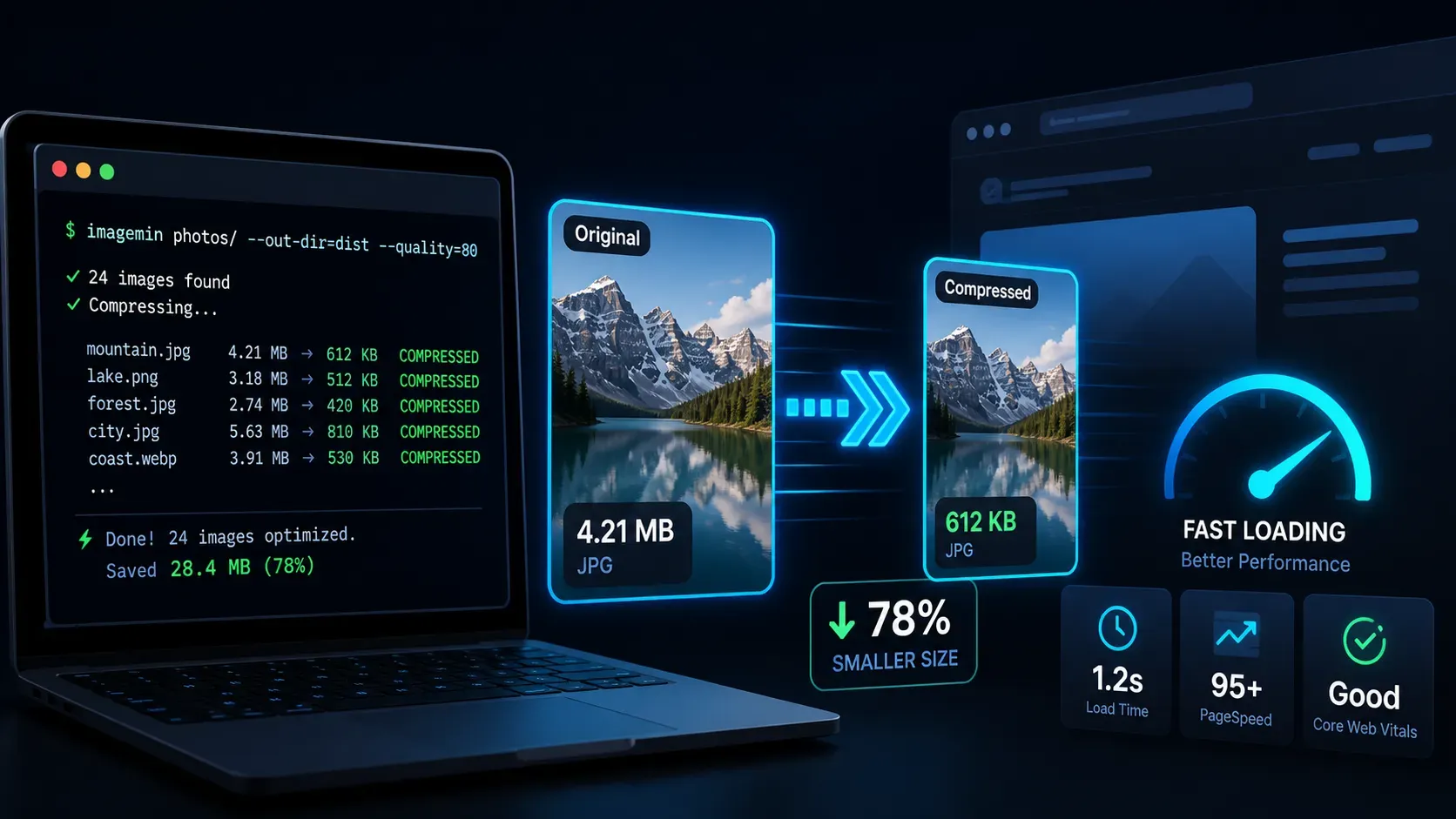
Build an Automated Image Compression Script with Sharp and SVGO
Compress images from the terminal with a Node.js script powered by Sharp and SVGO a safe, two-step workflow that keeps your site fast without bloating your repo.
Read More
The Right Way to Migrate from MySQL to AWS Aurora DSQL
Migrating a production database is one of the highest-risk changes you can make to an application. Moving from MySQL to AWS Aurora DSQL raises the stakes further...
Read More