
Building a Secure Multi-Account AWS Architecture for Enterprise Environments (Dev, STG, UAT, Prod)

Got a project?
Let's discuss your project
Introduction
In today’s cloud-first world, scalability and speed are no longer enough security, governance, and cost control are equally critical. As organizations grow, managing everything within a single AWS account becomes risky, complex, and inefficient.
This is where a multi-account strategy using Amazon Web Services Organizations becomes essential.
In this blog, we’ll walk through how to design and implement an enterprise-grade AWS architecture that separates Development (Dev), Staging (STG), UAT, and Production (Prod) environments while ensuring security, scalability, and operational excellence.
Why Multi-Account Architecture?
Using separate AWS accounts for each environment is not just a best practice it’s an enterprise standard.
Key Benefits:
- Strong environment isolation (Dev, STG, UAT, Prod fully separated)
- Clear cost visibility and tracking per environment
- Enhanced security and compliance enforcement at account level
- Independent development, testing, and deployment per environment
- Faster releases with reduced risk to production systems
- Centralized governance with decentralized team operations
- Improved operational control and reduced blast radius
- Better scalability for growing teams and workloads
High-Level Architecture Overview
A typical enterprise setup includes:
Management (Root) Account
Organizational Units (OUs):
- Dev
- STG
- UAT
- Prod
- Shared Services (optional)
Each environment runs in its own dedicated AWS account, managed centrally.
Step 1: Setting Up AWS Organizations
The foundation begins with AWS Organizations:
- Enable All Features Mode
- Create structured Organizational Units (OUs)
- Apply centralized governance policies
This setup allows full control over accounts, billing, and security.
Step 2: Governance with Service Control Policies (SCPs)
Service Control Policies (SCPs) define what actions are allowed or denied across accounts.
Examples:
- Block public S3 buckets
- Prevent disabling logging tools
- Restrict usage to specific regions
This ensures organization-wide security enforcement.
Step 3: Centralized Access with SSO
Managing users across multiple accounts can become chaotic.
With IAM Identity Center (SSO):
- Users log in from a single portal
- Access is role-based (Admin, DevOps, QA, ReadOnly)
- Permissions are centrally managed
This improves both security and user experience.
Step 4: Network Architecture Design
Each environment gets its own VPC (Virtual Private Cloud):
- Non-overlapping CIDR ranges
- Public and private subnets
- Internet Gateway + NAT Gateway
For cross-account communication:
- Use VPC Peering or Transit Gateway
This ensures secure and scalable networking.
Step 5: Centralized Logging & Monitoring
Visibility is critical in enterprise systems.
Let's Build Something Great Together
Ready to transform your idea into a powerful software solution? Talk to our experts and get a free consultation.
Contact Us
Key implementations:
- CloudTrail (organization-wide) for audit logs
- VPC Flow Logs for network visibility
- Centralized logging account
This enables:
- Faster debugging
- Compliance readiness
- Full audit trails
Step 6: Security Baseline
Security must be proactive, not reactive.
Enable:
- Threat detection systems
- Configuration monitoring
- Encryption for all data (EBS, S3, RDS)
The goal is to create a secure-by-default environment.
Step 7: CI/CD Across Multiple Accounts
Modern teams deploy frequently across environments.
A proper setup includes:
- Cross-account IAM roles
- CI/CD integration (e.g., Bitbucket pipelines)
- Controlled promotion flow:
- Dev → STG → UAT → Prod
This ensures:
- Safe deployments
- Environment consistency
- Reduced human error
Step 8: Cost Optimization & FinOps
Multi-account architecture makes cost management easier:
- Consolidated billing
- Environment-based cost tracking
- Budget alerts and anomaly detection
You can further optimize costs using:
- Reserved Instances
- Savings Plans
Step 9: Backup & Disaster Recovery
Enterprise systems must be resilient.
Best practices:
- Automated backups using AWS Backup
- Cross-account backup storage
- Defined RTO (Recovery Time Objective)
- Defined RPO (Recovery Point Objective)
This ensures business continuity during failures.
Real-World Impact
Organizations adopting this architecture achieve:
- Improved security posture
- Faster and safer deployments
- Clear cost visibility
- Better compliance alignment
- Scalable cloud operations
Final Thoughts
A well-architected AWS multi-account strategy is not just about infrastructure. It’s about building a foundation for growth, security, and operational excellence.
By leveraging Amazon Web Services Organizations, companies can move from ad-hoc cloud usage to a mature, enterprise-ready cloud platform.

AI Writes the Code • Stop Blindly Shipping It Without Reviewing the Engineering
A practical perspective on AI-generated code, scalability, maintainability, and engineering judgment and why engineering review still owns the final decision.
Read More
Migrating Databases with AWS DMS With Nearly Zero Downtime
Learn how to migrate databases using AWS DMS with nearly zero downtime using Full Load, CDC, validation, monitoring, and controlled cutover.
Read More
How to Add LiveKit Video Calling to a Next.js App
Add embedded video & audio calling to Next.js with LiveKit Cloud. Compared vs Twilio, Daily, Agora, Zoom — plus token auth, guests & recording.
Read More
We chose ECS over EKS: what we gained and what we gave up
An honest comparison of ECS vs EKS the costs, tradeoffs, and real-world reasoning behind choosing ECS for a production platform on AWS.
Read More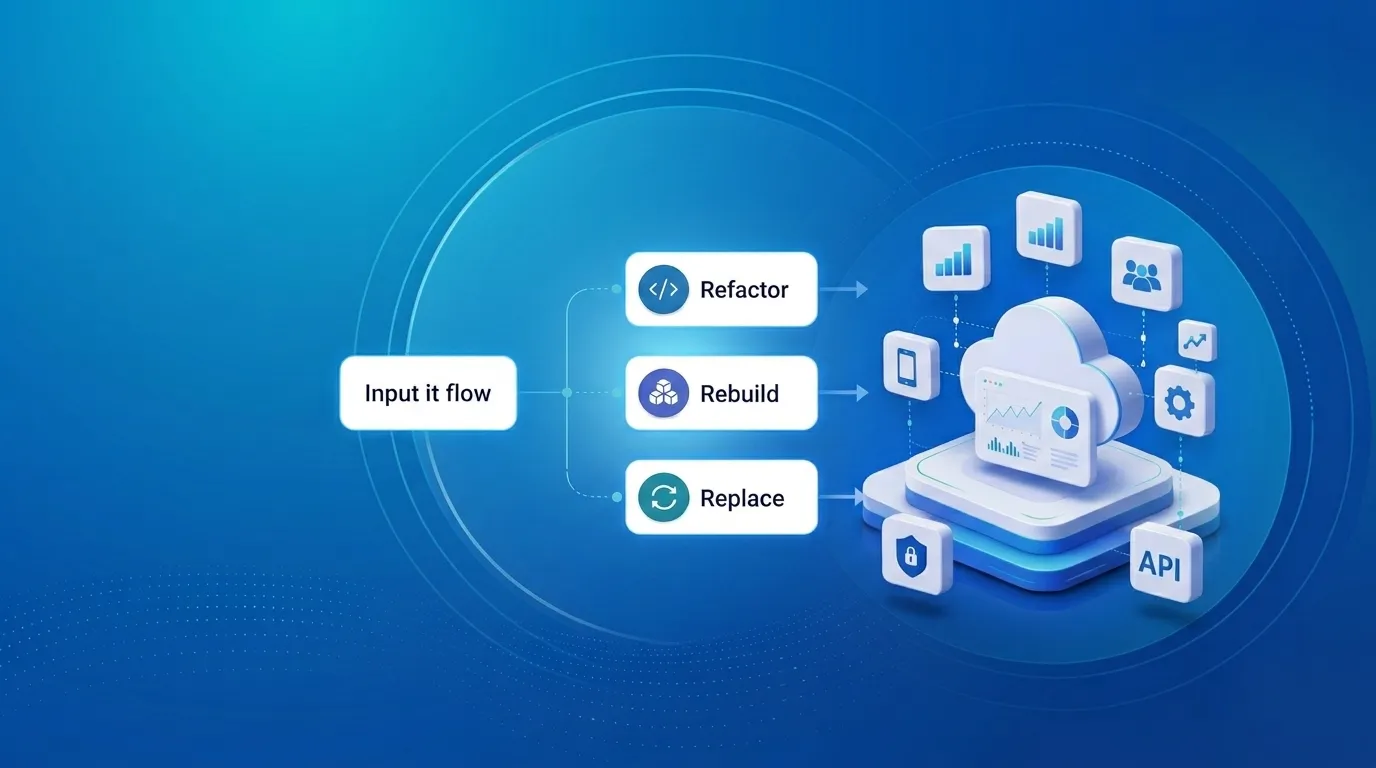
Upgrading Legacy Systems: From Outdated Technology to Competitive Advantage
Learn how to upgrade legacy systems through application modernization, API integration, cloud migration, security improvements, and incremental system upgrades without disrupting business operations.
Read More
Building Distributed Tracing and Observability with AWS X-Ray
A practical guide to correlating requests across a multi-tier application using correlation IDs, AWS X-Ray segments, and structured logging for faster incident debugging.
Read More
Designing Before and After AI: What Really Changed
A look at how AI has transformed UI/UX design from manual wireframes and slow research to AI-assisted prototyping, design-to-code, and personalization at scale.
Read More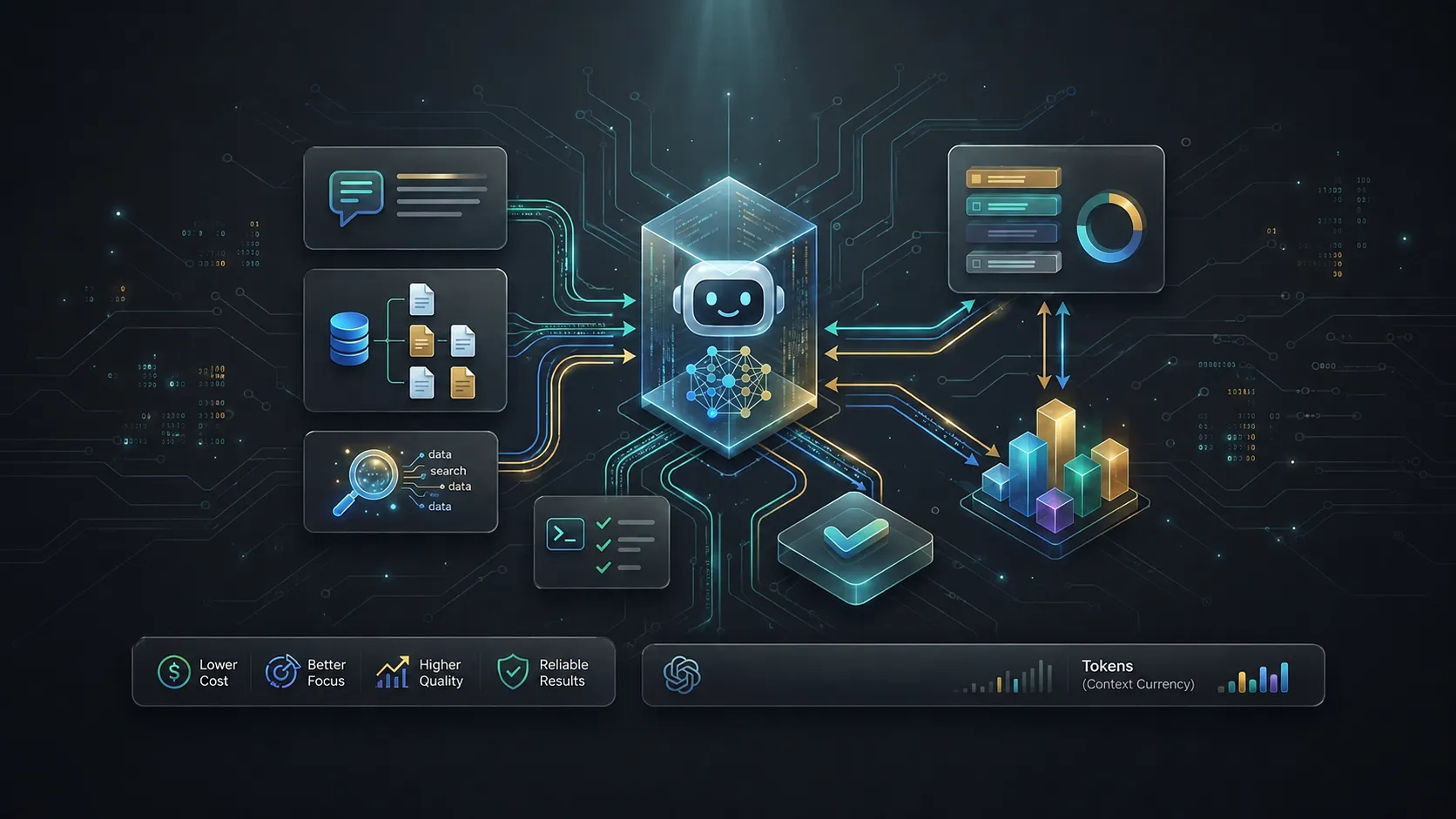
Beyond Prompting: Managing Context and Tokens in AI Coding Tools
Ever wondered why your AI coding agent starts losing context or hits a hard limit mid-task? The answer lies in tokens and the context window. Good AI coding is not about giving the model the most information. It is about giving it the right information at the right time.
Read More
What Is llms.txt? How It Helps Google, AI Search, and Agentic Browsing Find Your Website
Learn what llms.txt is, how it differs from sitemap.xml and robots.txt, and how it can help your site get found by Google, AI search tools, and AI agents.
Read More