
AI Meets Your Applications (What is MCP and Why Your Business Needs It Now)

Got a project?
Let's discuss your project
Imagine this: You are managing a complex resource scheduling system. Instead of clicking through multiple screens, filling out forms, and remembering which fields are required, you simply tell an AI assistant: "Schedule a 2-hour virtual session for next Tuesday afternoon with two providers." The AI understands your request, asks clarifying questions if needed, and completes the entire process all through natural conversation. This is not science fiction. This is the power of the Model Context Protocol (MCP).
Traditional application programming interfaces (APIs) have served us well, but they require technical knowledge. Developers need to understand endpoints, request formats, authentication tokens, and response structures. For business users and product owners, this creates a barrier to accessing the full potential of their applications.
Enter MCP a revolutionary protocol that acts as a bridge between Large Language Models (LLMs) and your applications. It enables AI assistants to interact with your software as naturally as humans do, opening up possibilities that were previously unimaginable.
What is MCP?
Think of MCP as a universal translator between AI and your applications. Just as a human interpreter helps two people who speak different languages communicate, MCP helps AI understand what your application can do and how to use it.
MCP in Simple Terms: MCP (Model Context Protocol) is a standardized way for AI systems to discover, understand, and interact with your applications capabilities. It is like giving your AI assistant a menu of what your application can do, along with clear instructions on how to order from it.
Why Traditional Approaches Fall Short
Traditional APIs present several challenges when it comes to AI integration:
• Technical Complexity: APIs require understanding of HTTP methods, JSON structures, authentication mechanisms, and error codes. This technical knowledge barrier prevents non-technical users from leveraging AI assistance.
• Rigid Structure: APIs are designed for machines, not conversations. They do not handle ambiguity, context, or follow-up questions well.
• No Intelligence: Traditional APIs are "dumb" they do exactly what you tell them, nothing more. They cannot suggest alternatives, catch mistakes, or guide users through complex workflows.
Let's Build Something Great Together
Ready to transform your idea into a powerful software solution? Talk to our experts and get a free consultation.
Contact Us
• Fragmented Experience: Each API is different, requiring custom integration code for every application you want to connect to AI.
How MCP Solves These Problems
| Benefit | What It Means |
|---|---|
| Standardized Protocol | MCP provides a universal language that any LLM can understand, eliminating the need for custom integration code for each application. |
| Natural Language Interface | Users interact with your application through conversation, making it accessible to everyone regardless of technical expertise. |
| Intelligent Assistance | AI can understand context, ask clarifying questions, suggest alternatives, and guide users through complex processes. |
| No Code Changes | MCP wraps around your existing application you do not need to modify your core codebase to enable AI integration. |
MCP is required because it's the missing piece that makes AI truly useful for business applications. Without it, AI assistants are limited to general knowledge and can't interact with your specific business systems. With MCP, your AI becomes a knowledgeable assistant that understands your business processes and can help users accomplish real work.
The MCP Architecture
The beauty of MCP lies in its simplicity: you don’t need to rebuild your application; instead, you create an MCP server that wraps your existing system and exposes its capabilities in a way AI can easily understand and use.
How it works in practice:
| Steps | What Happens |
|---|---|
| 1 | User makes a request: "Schedule a resource for next Tuesday at 2 PM" |
| 2 | LLM processes the request and identifies which MCP tool to use |
| 3 | MCP Server receives the call and translates it into your applications API calls |
| 4 | Your application processes the request using existing business logic |
| 5 | Response flows back through MCP and is translated to natural language for the user |
Creating MCP Tools
MCP tools are the building blocks that expose your applications capabilities. Each tool representing a specific action your application can perform. For example, in a resource scheduling system, you might create tools like:
• ListAvailableResources - Shows what resources are available
• ScheduleResource - Creates a new scheduling entry
• CheckAvailability - Verifies if a time slot is free
• GetResourceDetails - Retrieves information about a specific resource
The key insight: Each tool has a clear name, description, and schema that tells the AI when to use it and what parameters it needs. The LLM can read this schema and intelligently guide users through processes, asking for required information and handling optional parameters appropriately.
What's Next
We have established what MCP is and why it is transformative. But how does this play out in real-world business scenarios? In Episode 2, we'll explore one of the most powerful applications: Analytics and Reporting Without Developers, showing how MCP enables self-service data insights that previously required technical teams and weeks of development time.

AI Writes the Code • Stop Blindly Shipping It Without Reviewing the Engineering
A practical perspective on AI-generated code, scalability, maintainability, and engineering judgment and why engineering review still owns the final decision.
Read More
Migrating Databases with AWS DMS With Nearly Zero Downtime
Learn how to migrate databases using AWS DMS with nearly zero downtime using Full Load, CDC, validation, monitoring, and controlled cutover.
Read More
How to Add LiveKit Video Calling to a Next.js App
Add embedded video & audio calling to Next.js with LiveKit Cloud. Compared vs Twilio, Daily, Agora, Zoom — plus token auth, guests & recording.
Read More
We chose ECS over EKS: what we gained and what we gave up
An honest comparison of ECS vs EKS the costs, tradeoffs, and real-world reasoning behind choosing ECS for a production platform on AWS.
Read More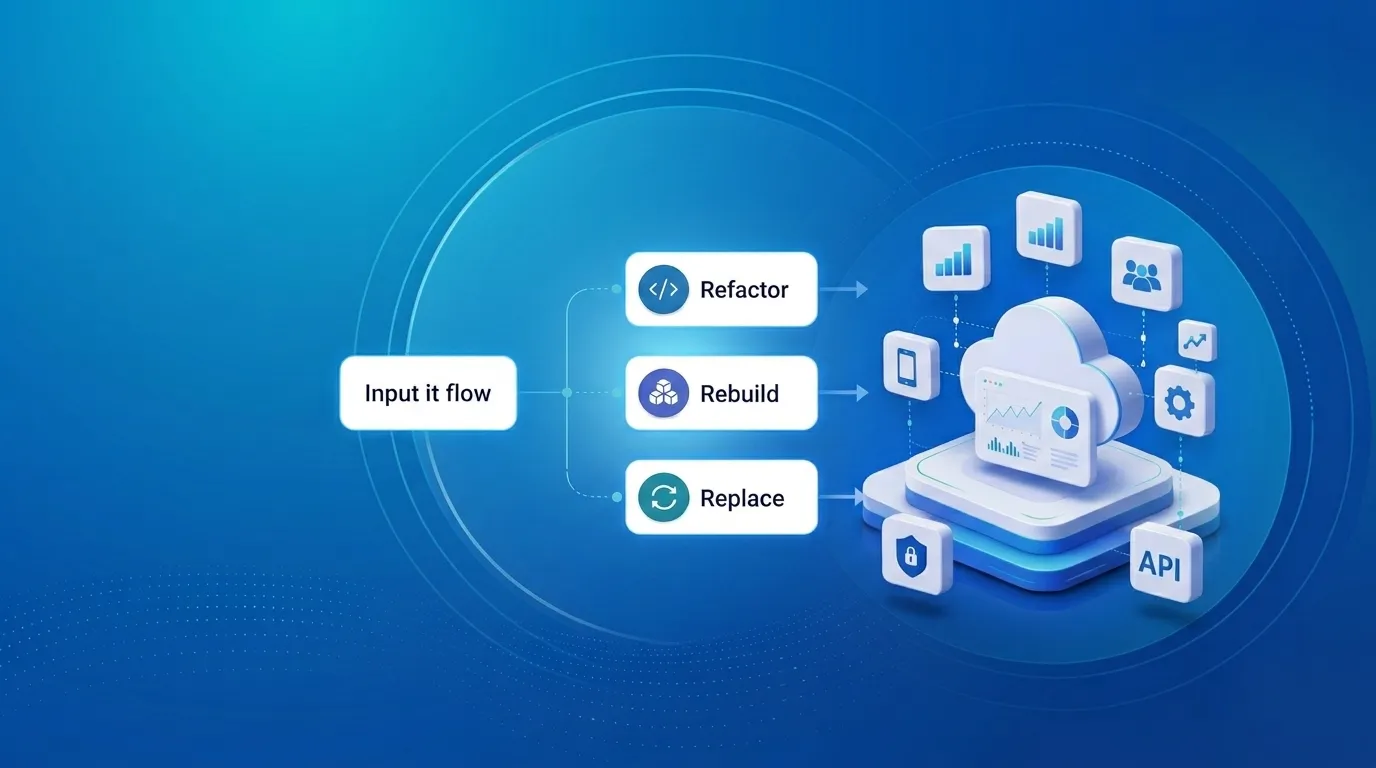
Upgrading Legacy Systems: From Outdated Technology to Competitive Advantage
Learn how to upgrade legacy systems through application modernization, API integration, cloud migration, security improvements, and incremental system upgrades without disrupting business operations.
Read More
Building Distributed Tracing and Observability with AWS X-Ray
A practical guide to correlating requests across a multi-tier application using correlation IDs, AWS X-Ray segments, and structured logging for faster incident debugging.
Read More
Designing Before and After AI: What Really Changed
A look at how AI has transformed UI/UX design from manual wireframes and slow research to AI-assisted prototyping, design-to-code, and personalization at scale.
Read More
Beyond Prompting: Managing Context and Tokens in AI Coding Tools
Ever wondered why your AI coding agent starts losing context or hits a hard limit mid-task? The answer lies in tokens and the context window. Good AI coding is not about giving the model the most information. It is about giving it the right information at the right time.
Read More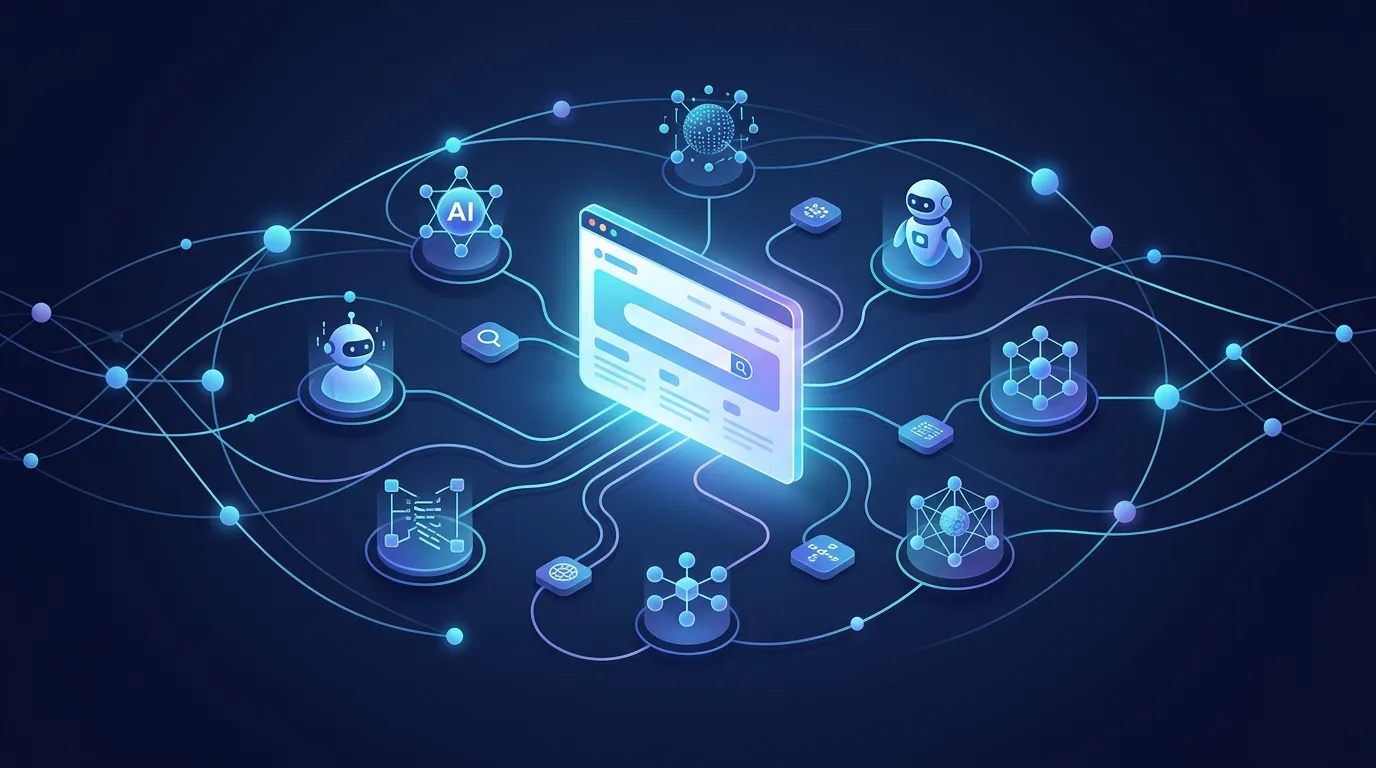
What Is llms.txt? How It Helps Google, AI Search, and Agentic Browsing Find Your Website
Learn what llms.txt is, how it differs from sitemap.xml and robots.txt, and how it can help your site get found by Google, AI search tools, and AI agents.
Read More