
Ensuring HIPAA Compliance: A Comprehensive Guide for Healthcare Providers

Introduction
Healthcare providers, insurers, and other entities that handle protected health information (PHI) are bound by the Health Insurance Portability and Accountability Act (HIPAA). HIPAA establishes national standards to safeguard the privacy and security of patient information. Compliance with HIPAA regulations is essential not only to avoid legal penalties but also to foster trust with patients and safeguard sensitive health data.
This guide will explain the importance of HIPAA compliance, discuss key HIPAA requirements, and provide actionable steps for healthcare organizations to maintain compliance.
Why is HIPAA Compliance Important?
HIPAA compliance is critical for any entity that handles or processes patient information. Here’s why adhering to HIPAA is essential for healthcare organizations:
- Legal Protection: Non-compliance can lead to hefty fines, legal action, and even criminal charges in severe cases.
- Patient Trust: Patients entrust healthcare providers with sensitive information. Adhering to HIPAA regulations helps maintain this trust by ensuring their privacy.
- Data Security: HIPAA compliance enforces high standards for data security, helping protect against breaches, cyberattacks, and unauthorized data access.
- Operational Efficiency: Implementing HIPAA protocols often improves processes, reducing the risk of human error and enhancing overall efficiency.
Key HIPAA Rules and Protected Health Information (PHI)
HIPAA includes specific rules designed to protect patient information:
- 1Privacy Rule: Governs the use and disclosure of individuals’ health information and grants patients rights over their health information.
- 2Security Rule: Sets standards for protecting electronic PHI (ePHI) to ensure its confidentiality, integrity, and availability.
- 3Breach Notification Rule: Requires covered entities to notify affected individuals, the Department of Health and Human Services (HHS), and, in some cases, the media, when a breach of unsecured PHI occurs.
What is Protected Health Information (PHI)?
PHI encompasses information that can be used to identify an individual, including:
- Personal identifiers (e.g., name, address, birth date, Social Security number)
- Health-related data (e.g., past, present, or future physical or mental health conditions)
- Health care services provided to the individual
- Payments for health care services, including insurance and billing details
Types of Data Protected by HIPAA
HIPAA applies to various types of information, including:
- Written documentation (e.g., patient files, medical records)
- Verbal information (e.g., conversations, voicemails)
- Electronic data (e.g., medical databases, digital patient records)
- Multimedia (e.g., photographic images, audio/video recordings)
Steps to Ensure HIPAA Compliance:
1. Conduct a Risk Assessment
A risk assessment identifies potential threats to PHI and evaluates current security measures. This assessment should focus on:
- Unauthorized access to ePHI
- Data breaches and data theft risks
- Vulnerabilities in systems storing or transmitting PHI
2. Develop and Implement Policies and Procedures
Comprehensive policies are essential for guiding staff on HIPAA-compliant practices. These policies should cover:
- Access Controls: Define who can access PHI and under what circumstances.
- Incident Response: Outline steps for responding to security breaches.
- Data Backup: Ensure regular data backup procedures for data recovery.
3. Train Employees Regularly
Employees must understand their responsibilities in maintaining HIPAA compliance. Training should include:
- Overview of HIPAA regulations and their importance
- Specific procedures for handling PHI securely
- Regular updates on new threats and best practices
4. Employ Technical Safeguards
HIPAA’s Security Rule requires technical measures to secure ePHI. Recommended safeguards include:
- Encryption: Protect PHI both at rest and in transit by using encryption.
- Firewalls: Establish barriers to prevent unauthorized access.
- Intrusion Detection Systems (IDS): Use IDS to monitor for and respond to suspicious network activity.
5. Manage Business Associates
Organizations that work with third parties, or Business Associates, must ensure that these entities comply with HIPAA. To manage Business Associates:
- Enter into Business Associate Agreements (BAAs), which legally bind associates to HIPAA standards.
- Regularly evaluate their data handling practices and require them to adhere to your organization’s security protocols.
6. Create an Incident Response Plan
In the event of a data breach, a well-defined response plan is crucial. The plan should include:
- Containment procedures to prevent further access to PHI
- Notification protocols for affected individuals and HHS
- Corrective actions to prevent future breaches
7. Monitor and Audit Regularly
Routine monitoring and auditing are essential to identifying and addressing vulnerabilities in compliance efforts:
- Conduct internal audits to check adherence to HIPAA standards.
- Monitor access logs to identify potential unauthorized access attempts.
- Review policies and procedures periodically to ensure they meet current regulatory standards.
HIPAA Compliance Checklist
To assist healthcare organizations in maintaining compliance, here is a quick checklist:
- Conduct an initial and annual risk assessment.
- Establish comprehensive, documented HIPAA policies and procedures.
- Provide HIPAA training for all employees and document participation.
- Implement technical safeguards (e.g., encryption, firewalls).
- Secure BAAs with third-party vendors handling PHI.
- Develop an incident response plan with a clear communication protocol.
- Schedule regular internal audits and compliance reviews.
- Keep up-to-date with regulatory changes and best practices.
Conclusion
Achieving HIPAA compliance is vital for healthcare providers to protect patient information, avoid legal penalties, and foster patient trust. By implementing a robust compliance program, training employees, and staying proactive about regulatory updates, healthcare organizations can minimize risks and build a culture of compliance.

The Right Way to Migrate from MySQL to AWS Aurora DSQL
Migrating a production database is one of the highest-risk changes you can make to an application. Moving from MySQL to AWS Aurora DSQL raises the stakes further...
Read More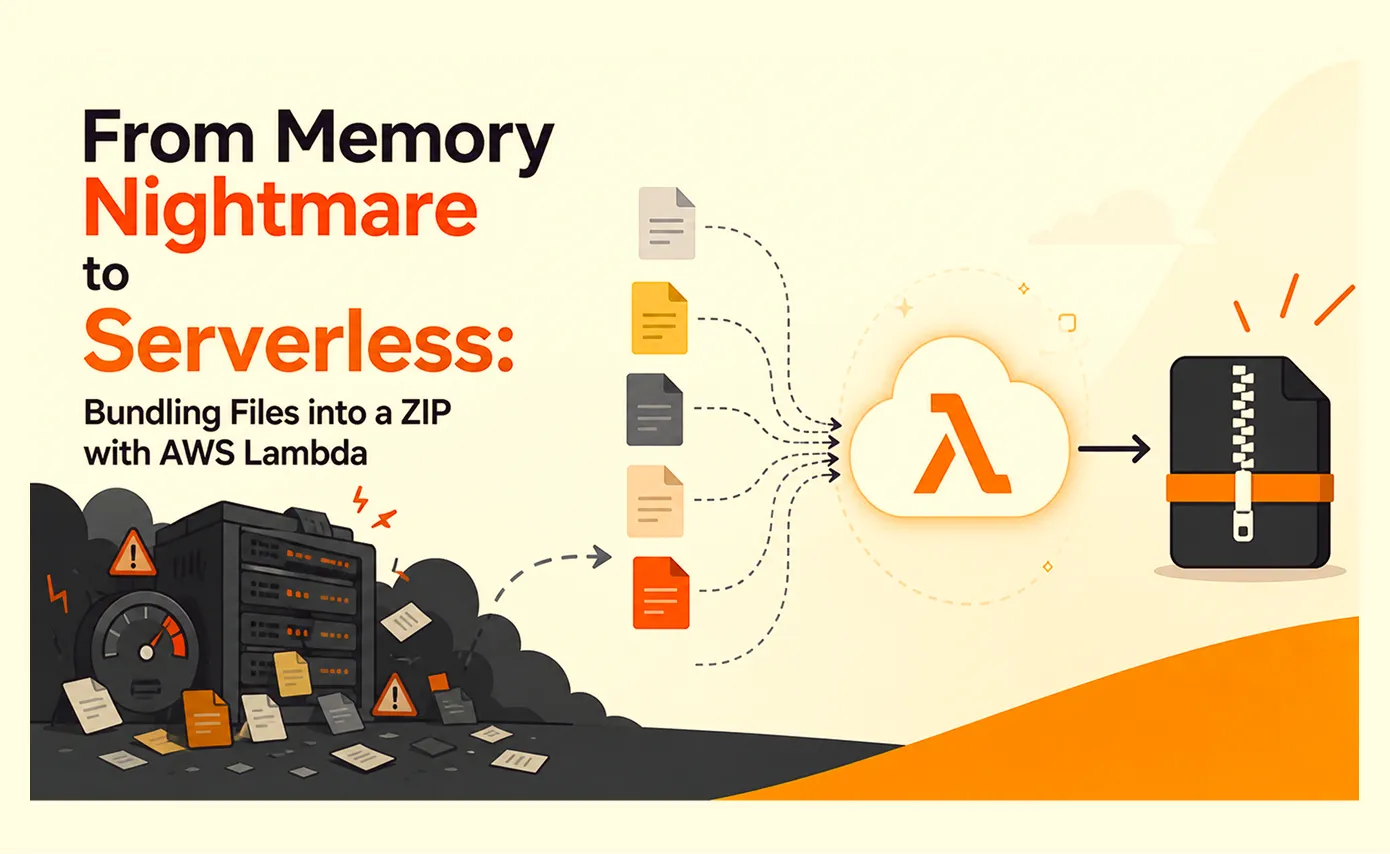
From Memory Nightmare to Serverless: Bundling Files into a ZIP with AWS Lambda
A straightforward 'download all these files as one ZIP' request that worked perfectly on my laptop and... fell over the first day it met real production load. Here's the debugging story, the scaling options I ruled out, and why AWS Lambda was the right answer.
Read More
Clean Code vs. Overengineering: Where Should Developers Draw the Line?
Clean code reduces unnecessary complexity; overengineering invents it. A practical guide to using context, evidence, and the cost of change to know when to stop adding abstractions...
Read More
Kafka vs RabbitMQ vs AWS EventBridge: Choosing the Right Architecture Based on Business Requirements
Compare Kafka, RabbitMQ, and AWS EventBridge based on scalability, routing, event streaming, replay, infrastructure, and business requirements to choose the right architecture...
Read More
AI Integrations for QA Engineers
Learn how QA engineers can connect AI with Jira, GitHub, Slack, Notion and other tools to improve testing, bug tracking, reporting and QA productivity...
Read More
The Ultimate Guide to Amazon SES Setup with GoDaddy DNS
Learn how to set up Amazon SES with GoDaddy DNS. Complete step-by-step guide covering Easy DKIM, SPF, DMARC, custom MAIL FROM, and exiting the SES Sandbox...
Read More
AWS DevOps Agent Setup Guide with EC2
Learn how to set up AWS DevOps Agent with EC2, CloudWatch, IAM, and Agent Spaces for AI-assisted monitoring, incident investigation, and root-cause analysis...
Read More
Multi-Tenancy Patterns in DynamoDB: Silo, Pool, and Bridge Models
If you've already made the jump from a relational database to DynamoDB see our guide on moving relational data from SQL to DynamoDB...
Read More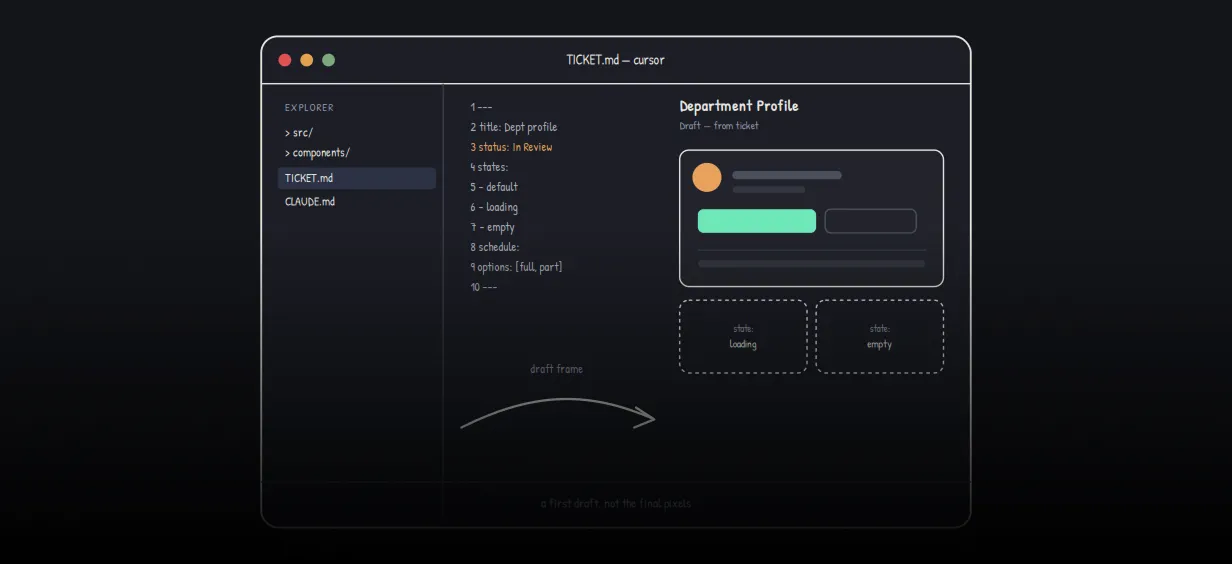
We stopped leaving the IDE to design. Here’s our Cursor → Figma flow
Cursor drafts fast, catches gaps early, and still clips fields and breaks layouts. Here's the real pros-and-cons breakdown of our workflow...
Read MoreReady to Work With Us?
Most engagements start with a 20-minute conversation. No pitch, no pressure - just an honest discussion about what you're building and whether we're the right fit.