
Protecting Your AI-Powered Systems (How Rate Limiting Ensures Stability and Performance)

The Story So Far: MCP connects AI to your applications (Episode 1) and enables powerful self-service analytics (Episode 2). But there is a critical question we need to address: what happens when AI gets too enthusiastic?
Why Rate Limiting is Crucial
When you expose your application to AI through MCP, you are potentially opening it to a new type of traffic pattern. AI assistants can make many requests quickly, and without proper controls, this could overwhelm your system. Rate limiting is the mechanism that ensures your application remains stable and responsive.
Consider these scenarios:
• An AI assistant helping multiple users simultaneously could generate hundreds of requests per minute
• A misconfigured AI integration might create an infinite loop of requests
• Malicious actors could attempt to abuse your system through AI interfaces
• Legitimate high-volume usage could impact system performance for other users
Rate limiting acts as a traffic control system, ensuring that requests are processed at a sustainable rate while preventing abuse and maintaining system stability.
Rate Limiting Strategies
1. Per-API-Key Limits
Each LLM integration or API key should have its own rate limit quota. This allows you to:
• Set different limits for different partners or customers
• Monitor usage per integration
• Identify and address problematic integrations individually
• Provide tiered service levels (basic, premium, enterprise)
2. Time-Based Windows
Rate limits are typically defined over specific time windows:
• Per Second: Prevents sudden spikes (e.g., 10 requests/second)
• Per Minute: Controls short-term bursts (e.g., 500 requests/minute)
• Per Hour: Manages sustained usage (e.g., 10,000 requests/hour)
• Per Day: Provides overall usage caps (e.g., 100,000 requests/day)
Multiple windows can be enforced simultaneously to provide comprehensive protection.
3. Tiered Access Levels
Different user types or integration types can have different limits:
| Access Level | Rate Limit | Use Case |
|---|---|---|
| Read-Only | 5,000/hour | Information queries and reports |
| Standard | 2,000/hour | Regular operations and scheduling |
| Administrative | 10,000/hour | Bulk operations and management |
4. Intelligent Throttling
Instead of simply blocking requests when limits are exceeded, intelligent throttling provides a better user experience:
• Graceful Degradation: Slow down responses rather than rejecting requests
• Queue Management: Hold requests in a queue and process them as capacity allows
• Priority Handling: Process important requests first, delay less critical ones
• Burst Capacity: Allow temporary spikes above the normal rate for legitimate use cases
Implementation Approaches
Token Bucket Algorithm
This algorithm maintains a bucket of tokens that are replenished at a steady rate. Each request consumes a token. If tokens are available, the request is processed immediately. If not, the request is queued or rejected.
How Token Bucket Works:
• Bucket starts with a maximum capacity (e.g., 100 tokens)
• Tokens are added at a fixed rate (e.g., 10 tokens per second)
• Each request consumes 1 token
• If bucket is full, excess tokens are discarded
• Requests can be processed as long as tokens are available
Sliding Window Counters
This approach tracks requests within a moving time window. It is more accurate than fixed windows because it smooths out boundary effects (where requests cluster at the start of a new window).
Best Practices for Rate Limiting
• Monitor Usage Patterns: Track request volumes, peak times, and usage trends to set appropriate limits and identify anomalies.
• Set Reasonable Defaults: Start with conservative limits and adjust based on actual usage patterns and system capacity.
• Clear Error Messages: When rate limits are hit, provide clear feedback about what happened and when the user can try again.
• Provide Rate Limit Headers: Include headers showing remaining quota, reset time, and current usage.
• Gradual Enforcement: Warn users before hard limits are enforced.
The Key Principle: Rate limiting should protect your system without degrading legitimate user experience. The best implementations are invisible to normal users but automatically engage when needed.
But What About Security?
Rate limiting controls how much AI can do. But there is another critical layer: controlling what AI is allowed to do. Not every user should have access to every capability. In our final episode, we will explore Authorization: Ensuring Secure and Appropriate Access.

Clean Code vs. Overengineering: Where Should Developers Draw the Line?
Clean code reduces unnecessary complexity; overengineering invents it. A practical guide to using context, evidence, and the cost of change to know when to stop adding abstractions...
Read More
Kafka vs RabbitMQ vs AWS EventBridge: Choosing the Right Architecture Based on Business Requirements
Compare Kafka, RabbitMQ, and AWS EventBridge based on scalability, routing, event streaming, replay, infrastructure, and business requirements to choose the right architecture...
Read More
AI Integrations for QA Engineers
Learn how QA engineers can connect AI with Jira, GitHub, Slack, Notion and other tools to improve testing, bug tracking, reporting and QA productivity...
Read More
The Ultimate Guide to Amazon SES Setup with GoDaddy DNS
Learn how to set up Amazon SES with GoDaddy DNS. Complete step-by-step guide covering Easy DKIM, SPF, DMARC, custom MAIL FROM, and exiting the SES Sandbox...
Read More
AWS DevOps Agent Setup Guide with EC2
Learn how to set up AWS DevOps Agent with EC2, CloudWatch, IAM, and Agent Spaces for AI-assisted monitoring, incident investigation, and root-cause analysis...
Read More
Multi-Tenancy Patterns in DynamoDB: Silo, Pool, and Bridge Models
If you've already made the jump from a relational database to DynamoDB see our guide on moving relational data from SQL to DynamoDB...
Read More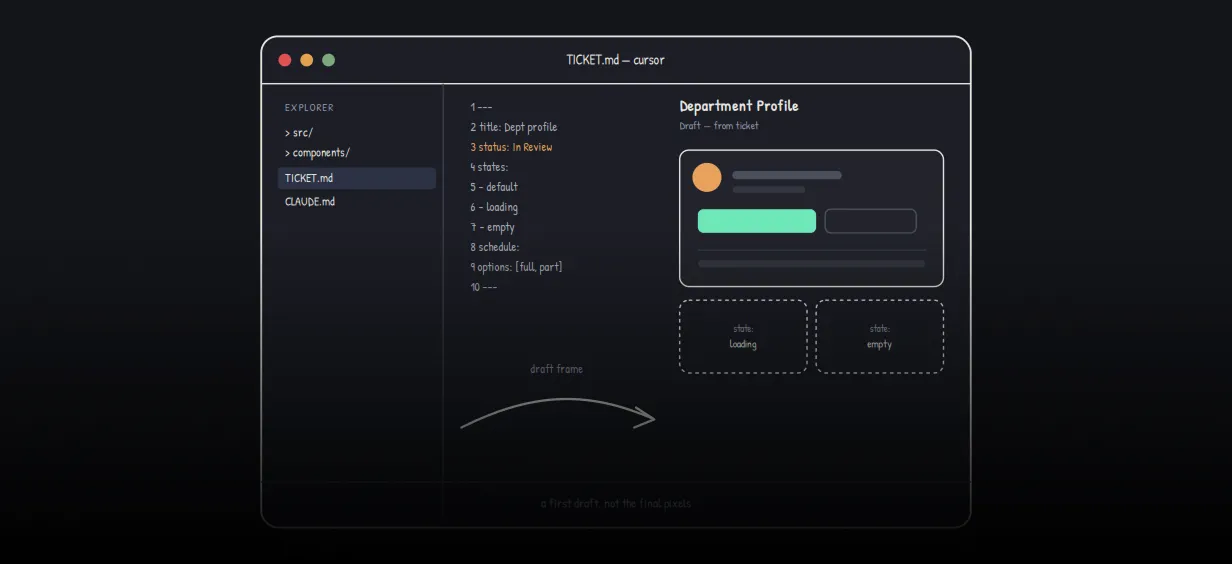
We stopped leaving the IDE to design. Here’s our Cursor → Figma flow
Cursor drafts fast, catches gaps early, and still clips fields and breaks layouts. Here's the real pros-and-cons breakdown of our workflow...
Read More
AWS DevOps Agent: How AI is Automating On-Call Incident Response
If you've ever been on call during a production outage, you know how stressful it can be. Alerts start firing, dashboards light up, and suddenly you're jumping between monitoring tools...
Read More
Catch Missing Images Before Deploy: A Simple Pre-Build Script for Next.js
How Omax Tech added a lightweight image validation gate to Next.js 15 builds on Vercel...
Read MoreReady to Work With Us?
Most engagements start with a 20-minute conversation. No pitch, no pressure - just an honest discussion about what you're building and whether we're the right fit.